17
Tare
Disable
Count DW
Machine
Use IR
MultiProduct
Correction 100
Time Setting
Setting Date and Time
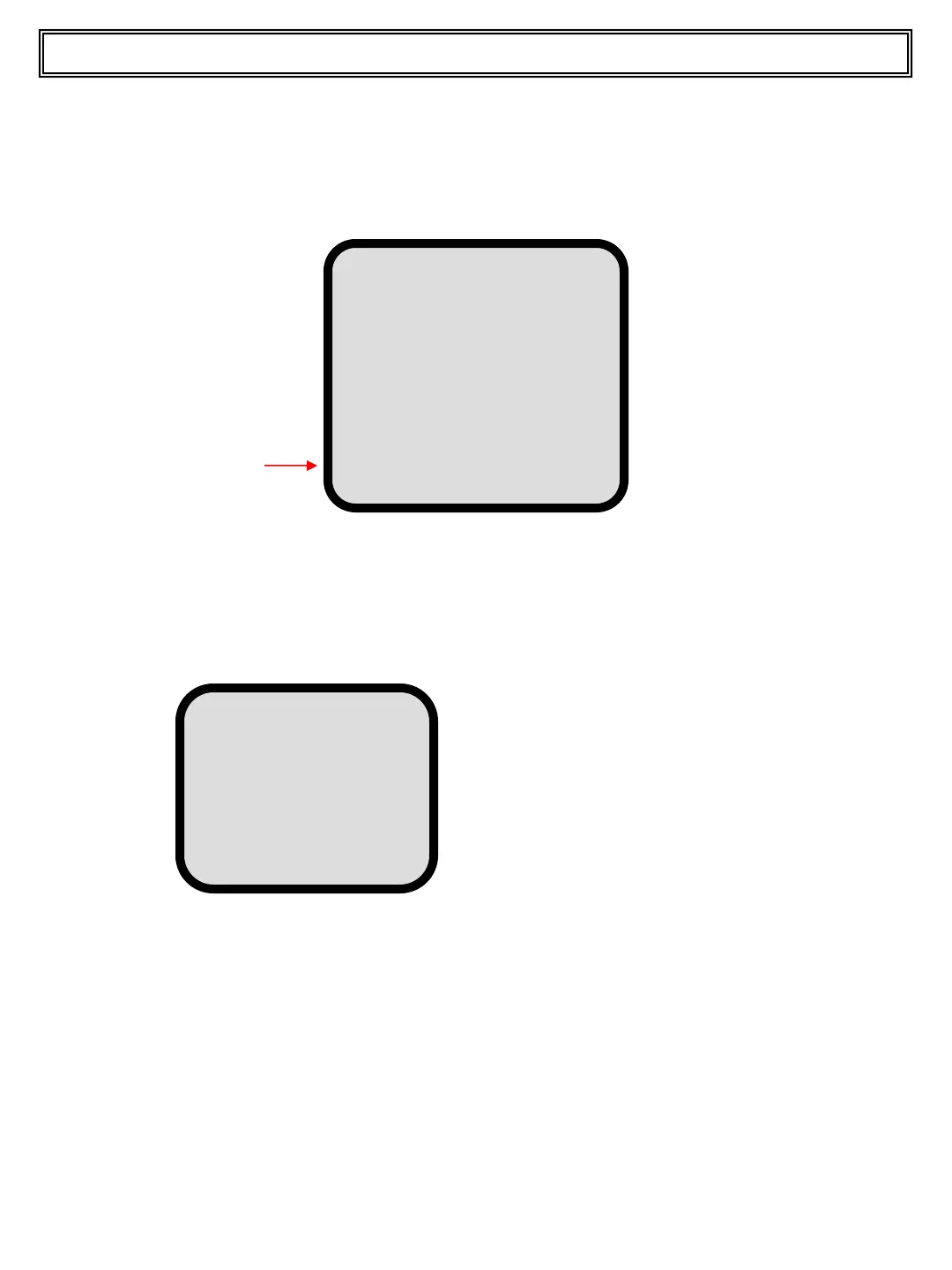
Press and release the UTILITY pushbutton. The display looks as below.
Press and release the UP or DOWN pushbutton to scroll to the value you want to
change and then press and release the LEFT (-) or RIGHT (+) pushbutton to
change the value. Once you have changed all values use the DOWN pushbutton to
scroll to the Confirm line and press and release the ENTER pushbutton to
confirm. After 5 seconds the system returns to normal operation display.
Note:
if a roll printer is used, the new date will be printed on the ticket.
Press and release the UP or DOWN pushbutton to scroll to the Time Setting line.
Press and release the ENTER pushbutton to confirm.The display looks as below.
TIME SETTING
hh: xx
mm: xx
ss: xx
DD: xx
MM: xx
YY: xx
Confirm
hh = Hour
mm = Minutes
ss = Seconds
DD = Day
MM = Month
YY = Year
Top Master User Manual


 To Next Page