24
Target
Unit Meas.
Customer
Product
Operator
Truck N.
Max N.W.
Project
Density Function (Specific Gravity)
Print load in Cubic Yards/Meters
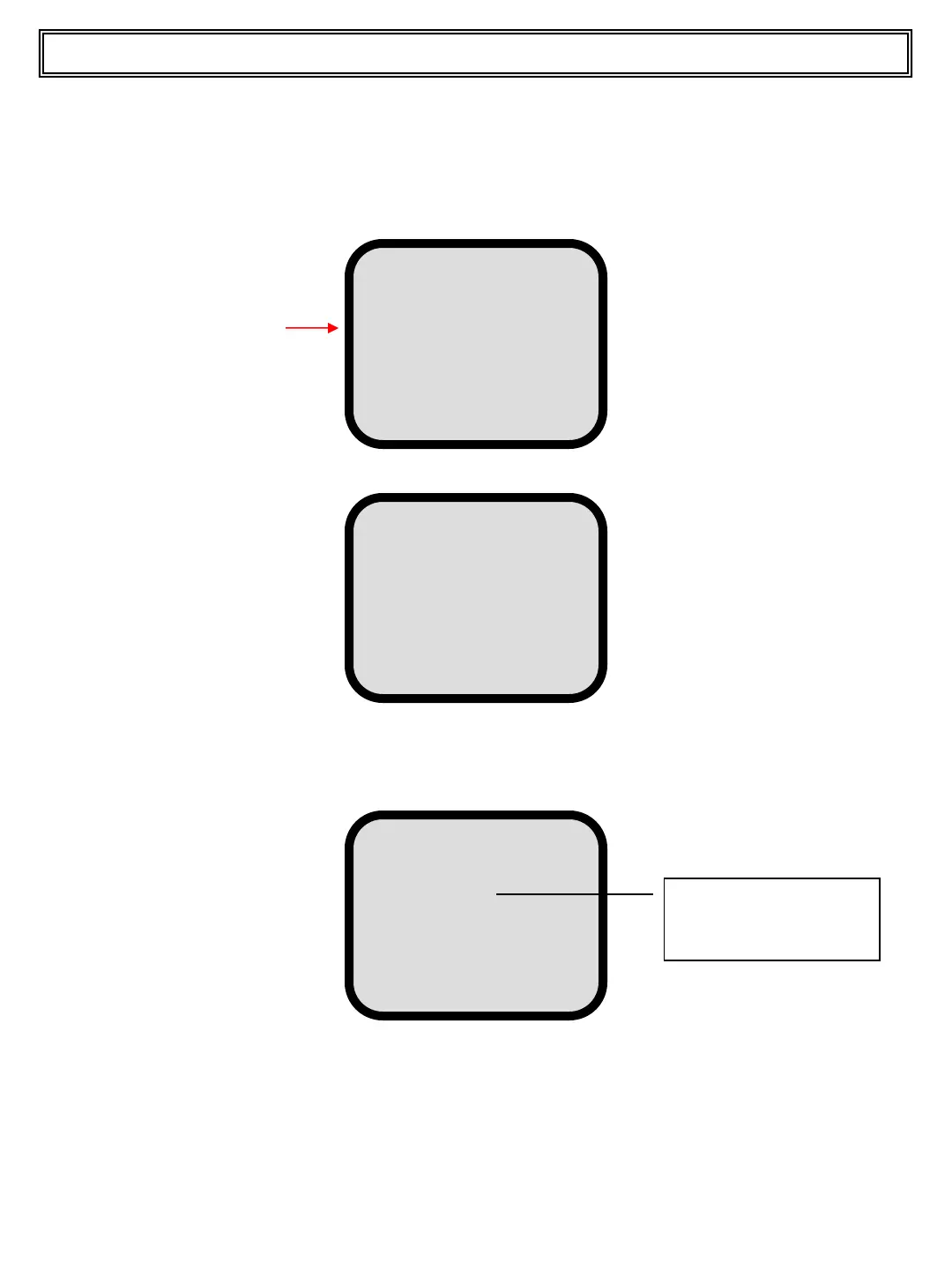
Press and release the ENTER pushbutton to access the following screen.
00 GRAVEL
01 MIXED
02 NATURAL
03 ROCK
04 SAND
Press and release the UP or DOWN pushbutton to scroll to the material which is to be
printed in cubic yards/meters and press and release the Wrench pushbutton.The display
looks as below.
MATERIAL
--------------------
Kg/cm
The material name
appears on this line
Press and release the DOWN pushbutton and the cursor appears on LBS/CY or
Kg/Cm. Use the LEFT (-) or RIGHT (+) pushbutton to enter the material density value
and press and release the ENTER pushbutton to confirm.
Top Master User Manual
Press and release the UP or DOWN pushbutton to scroll to the Material line.


 To Next Page