Verify that the nozzles of print jet 1 and print jet 3 are also touching the print pad.7.
When all of the print jet nozzles lightly touch the print pad, power off the printer and8.
disconnect it from utility power.
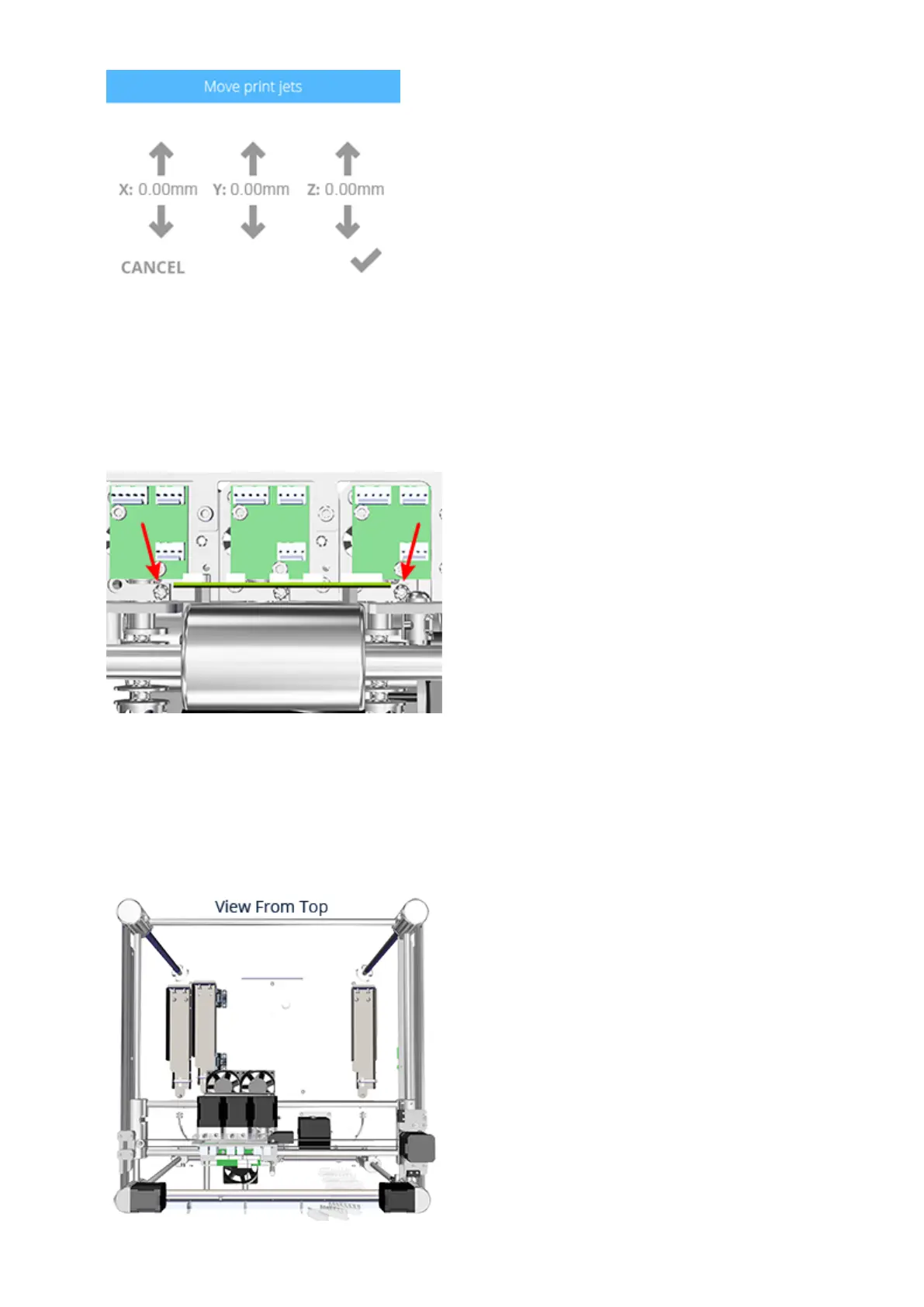
Tighten the left and right print jet screws using a T10 torx driver.9.
Connect the printer to utility power and power on the printer.10.
Ensure the print pad is at its lowest position.11.
Holding on to the extruder carriage assembly, gently position it over the jet wiper12.
assembly.


 To Next Page
 Loading...









