ProJet
®
x60 Series User Guide Additional Operations
3dscentral.3dsystems.com 32 All Rights Reserved
5/12/13
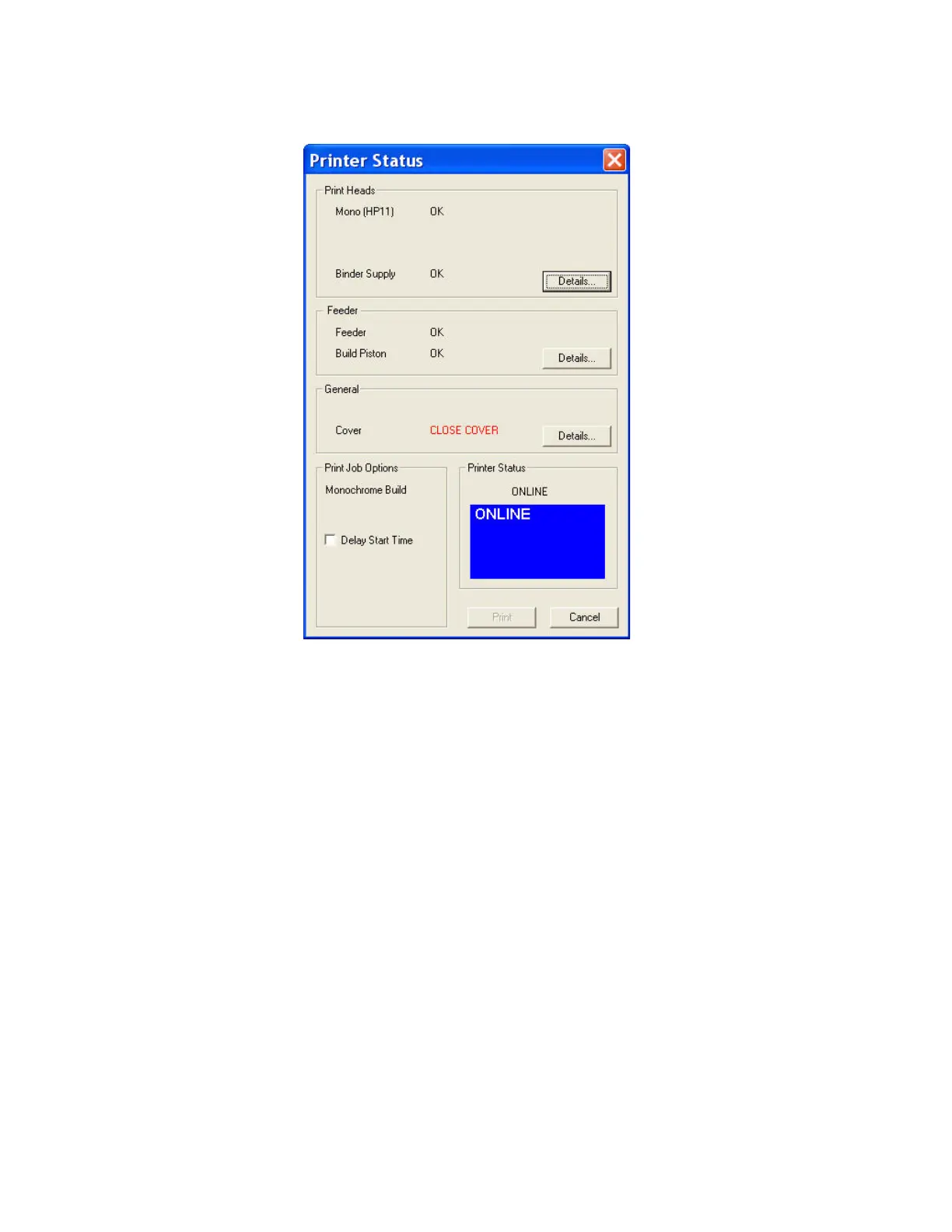
5.2.2 Not Ready to Print
If there are not enough materials to complete the job, or the printer is not properly prepared, a mes-
sage appears similar to the examples in red above. When any one of these messages appears, the
Print button is disabled. The remainder of this chapter describes how to clear a message in the Printer
Status dialog and start the build.



 To Next Page