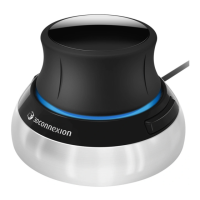
3Dconnexion SpaceMouse Compact | 12
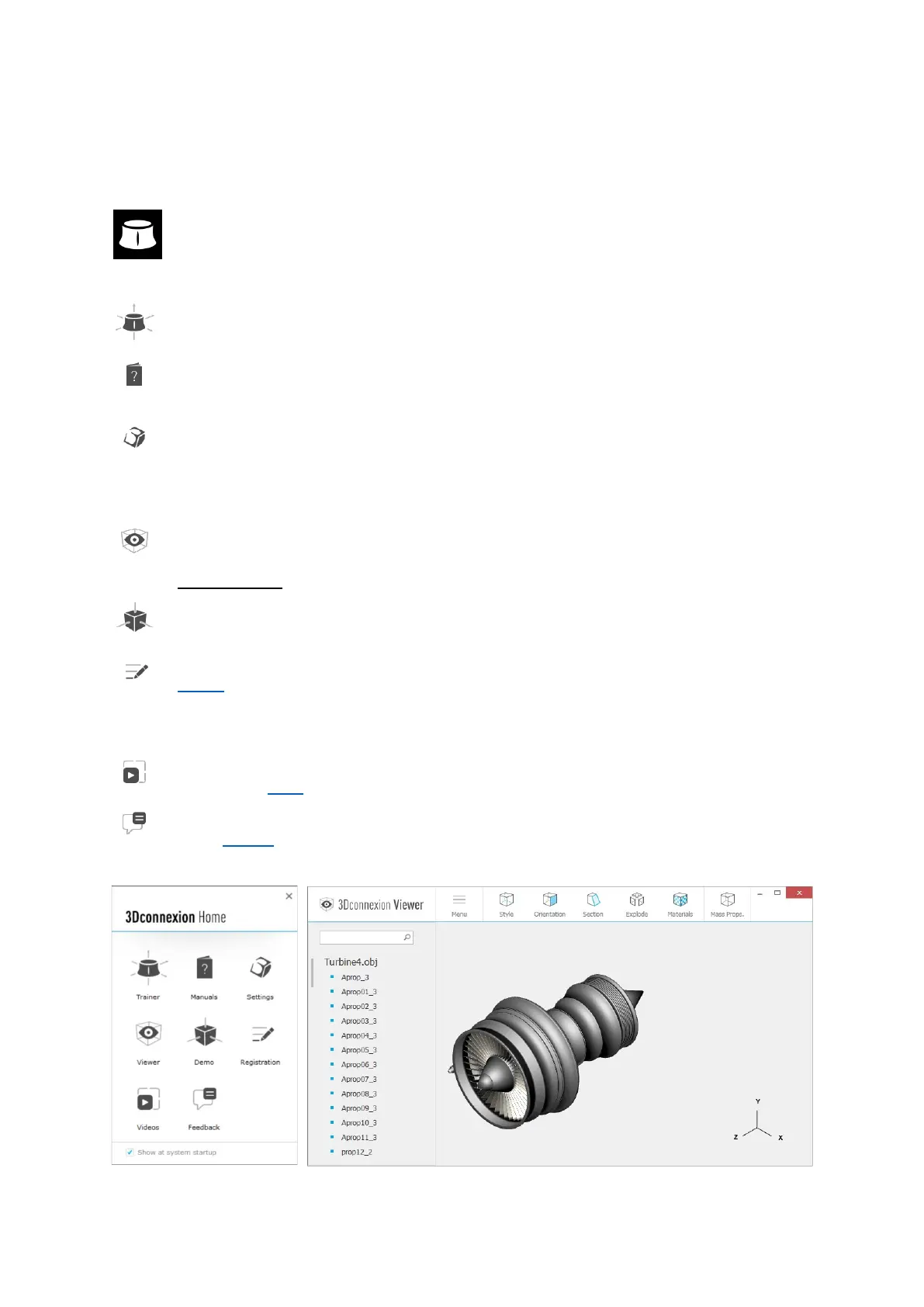
3Dconnexion Home
Once you have successfully installed the latest 3Dconnexion driver, 3Dconnexion Home gives you access to various
3Dconnexion apps:
Trainer:
Learn how to quickly use the 3Dconnexion SpaceMouse.
Manual:
Here you can find the manuals for all 3Dconnexion products.
Settings:
Open the settings panel to customize your 3Dconnexion devices.
Viewer:
Use the 3Dconnexion Viewer to review 3D models.
Supported formats (.stp, .step, .igs, .iges, .obj, .stl, .ply, .jt, .glTF).
Demo:
Test and practice your skills by assembling the landing gear of an aircraft.
Registration:
Register your product after the installation to benefit from 3Dconnexion services.
Videos:
Find instructive videos for your 3Dconnexion devices.
Feedback:
Provide feedback to the 3Dconnexion product team.



 To Next Page