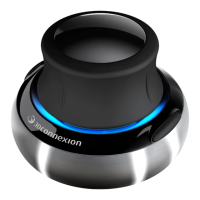
3Dconnexion SpaceMouse Compact | 3
QuickStart Guide
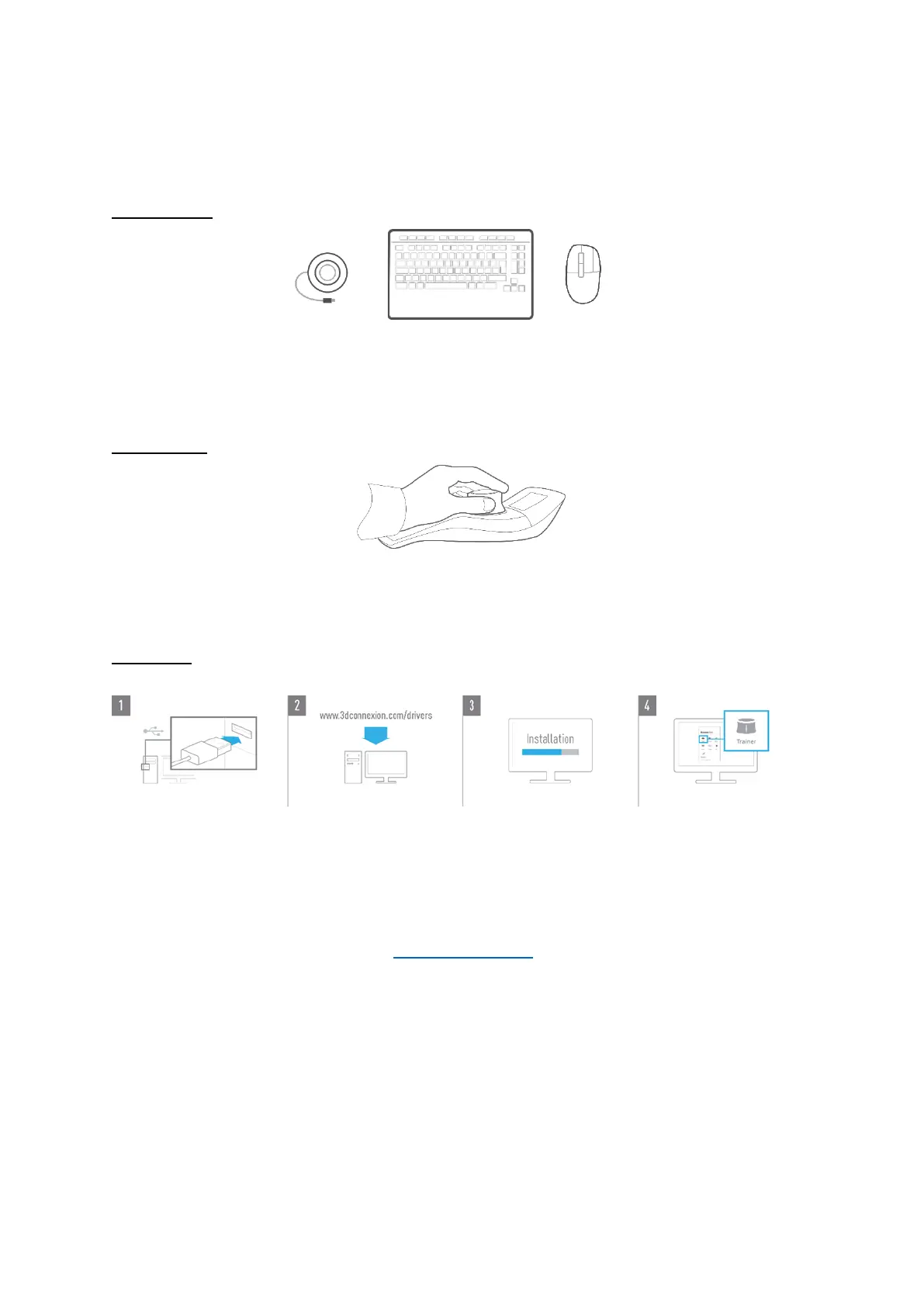
Desktop Setup
Place the SpaceMouse Compact on the opposite side of the keyboard to your standard mouse. One hand engages the 3D mouse
to position your model: rotating, panning and zooming. The other hand uses the standard mouse to select, create and edit.
Hand Position
Position your hand as shown. The contoured controller cap will guide your fingers into the perfect position for precise and
effortless control.
Installation
1. Connect
Plug the USB cable of your SpaceMouse Compact into a USB port of your PC.
2. Download the latest 3Dconnexion software
Get the latest 3Dconnexion software (3DxWare) at 3dconnexion.com/drivers.
3. Install the 3Dconnexion software
Install the 3Dconnexion software by following the instructions.
4. Familiarize with your SpaceMouse Compact
Open 3Dconnexion Home and launch the Trainer to get help taking the first steps with your SpaceMouse Compact.


 To Next Page