12
HDMI Cable
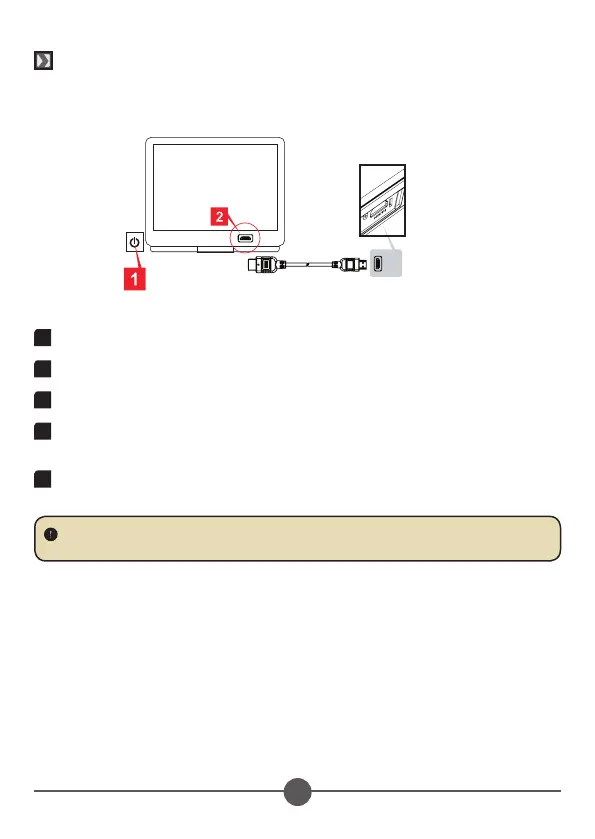
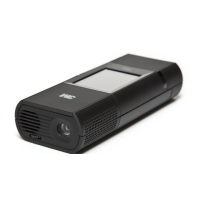
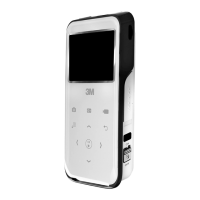
This Camcorder Projector connects to most HD Digital TV’s with an optional (not
included) HDMI cable.
1
Turn on your HDTV.
2
Connect the HDMI-in connector (the bigger end) of the HDMI cable to the HDTV.
3
Turn on the Camcorder Projector.
4
Connect the other end of the HDMI cable to the HDMI Out jack on your
Camcorder Projector.
5
Switch the HDTV to “HDMI input” mode.
TV
HDMI OutHDMI In
HDMI cable (Optional)
Note: The HDMI cable is a standard mini-HDMI to HDMI cable. It is available at most
electronics stores.
© 3M 2011. All Rights Reserved.
3M™ Camcorder Projector CP45


 To Next Page