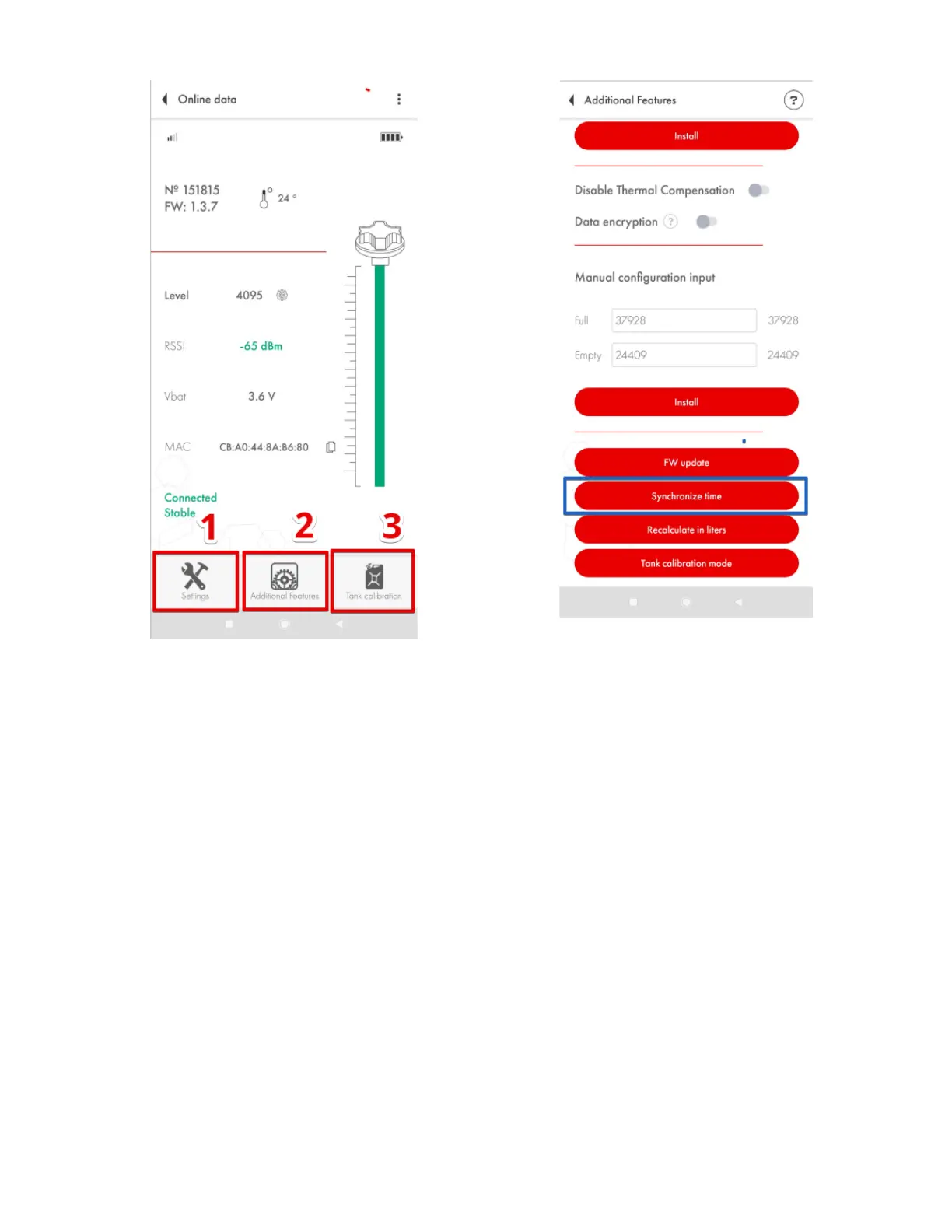
Fig. 72 Additional Features
To access the data saved in the sensor’s black box, connect the sensor, tap on the three dots
in the upper right corner (Fig. 74, 1) and select Black box (Fig. 74, 2).
Then you can select the period in days (Fig. 74, 1) and/or hours (Fig. 74, 2) and either
download the data recorded in that period (Fig. 74, 3) or download all data (Fig. 74, 4). You can also
empty the black box by deleting all records (Fig. 74, 5).


 To Next Page