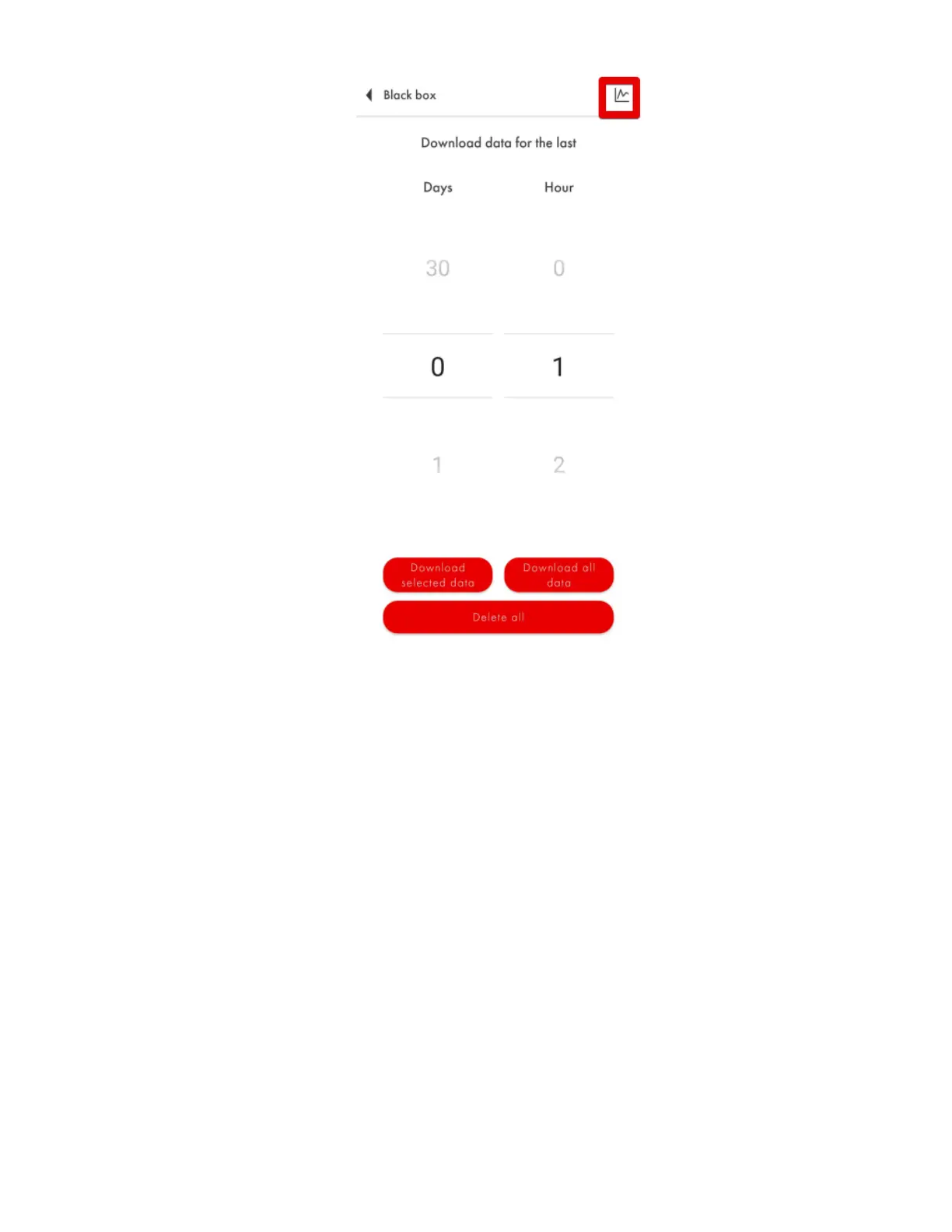
Fig. 78 Display previously downloaded data
Additional Features
In the Additional Features menu, you can set, change or delete the password (Fig. 79, 1). To do
so, enter the previously set password and press Enter. Then type down a new password and press
Install.
ATTENTION! Do not change the position of the Disable Thermal Compensation tumbler (it
must be grey) unless you have some other algorithm applied by the GPS tracker or other device
the sensor is connected to or by the platform (Fig. 79, 2).
Do not activate the Data encryption option (Fig. 79, 3) unless you are using a BLE-RS485
adapter/base or you have a confirmation given by the tracker’s manufacturer that the tracker
supports data encryption of Escort BLE sensors.


 To Next Page