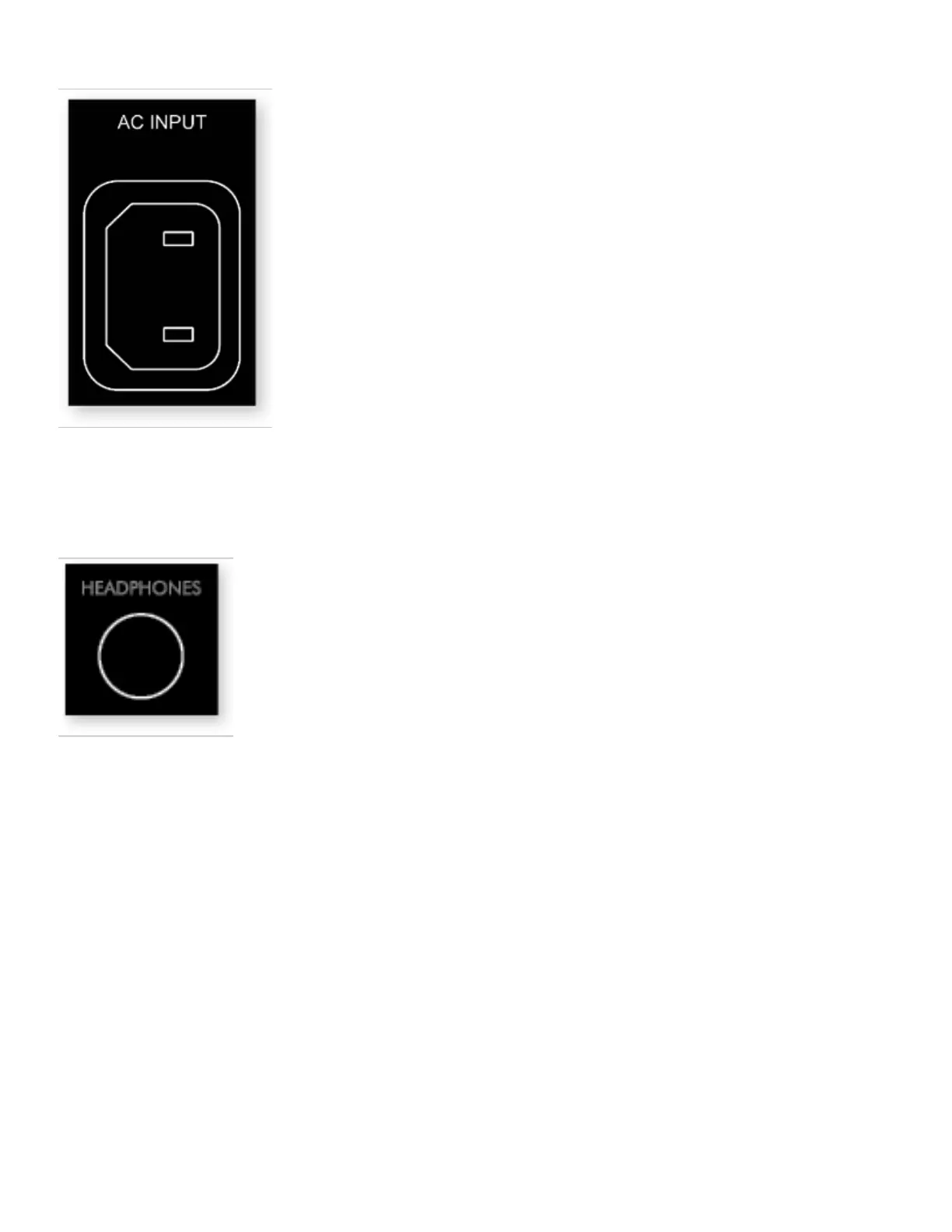
4.7 POWER
Insert a power cord into the MRX/AVM’s AC input. Plug the cord into a wall outlet. Ensure that the AC supply matches
the voltage rating shown on the back of the MRX/ AVM. The 230V models support voltages from 220V to 240V. Route
audio and video cables away from the power cord to reduce potential sources of hum and other interference.
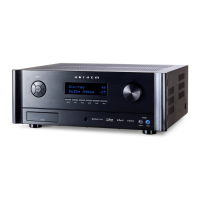
4.8 HEADPHONE JACK (FRONT PANEL)
This socket accepts headphones with an impedance rating between 32Ω and 600Ω, fitted with a 6.35mm stereo jack
plug. The headphone socket is always active, except when Receiver is muted. When the headphone jack is inserted,
the speaker outputs and analogue preamplifier outputs are automatically muted.


 To Next Page