7.12 AIRPLAY SETUP
Wired Connection
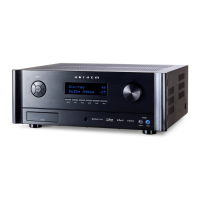
Connect an ethernet cable to the Receiver/Processor.
To listen to audio via AirPlay on your Receiver/Processor, ensure your Apple device is connected to the same network
as the Receiver/Processor and simply select the Receiver/Processor as the AirPlay audio playback device.
Note: The Receiver/Processor will appear as MRX/AVM in the AirPlay speaker menu.
Wireless Connection
Ensure your Apple device is connected to the wireless network you wish to connect the Receiver/Processor to.
1. Enter the Wi-Fi Settings Menu.
2. Locate MRX/AVM under “Set up new AirPlay speaker.”
3. Select the unit you wish to connect and allow it to connect to your network.
Note: The Receiver/Processor will appear as MRX/AVM in the AirPlay speaker menu.
1.
2.


 To Next Page