GX-A Series/GF-A Series Communication Manual 6 / 41
It is possible to connect the balance to peripheral devices, PCs, PLCs, etc. by using the RS-232C
connector and the USB miniB connector which are provided as standard with the balance.
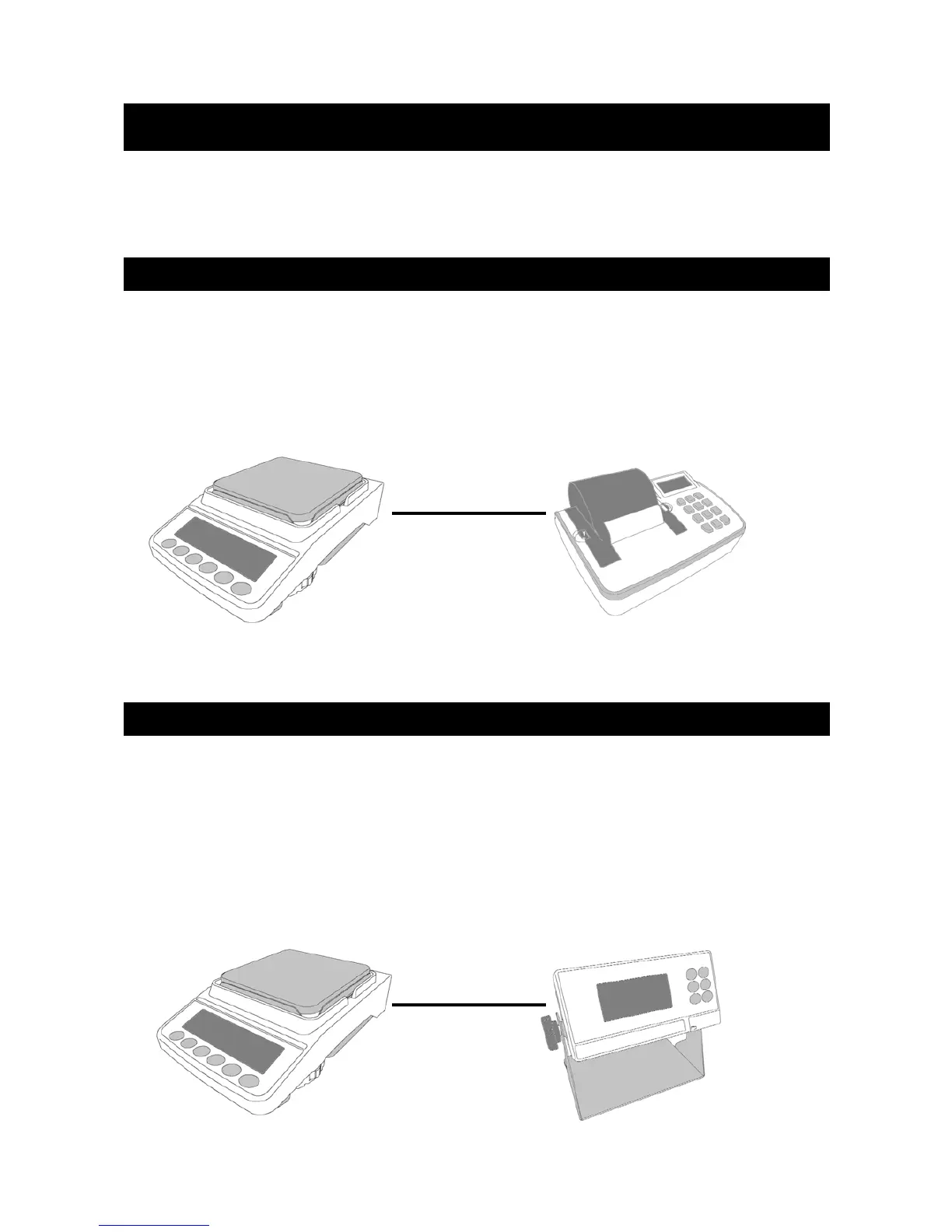
To print the weighing result measured with the balance on paper, connect a specialized balance
printer (e.g. AD-8127 Compact Printer) to the device.
□ Connect the balance with the printer using the RS-232C cable.
For settings when connecting the balance to the printer, refer to section 4, “Connecting to the
printer”.
When confirming the weighing values or operating the balance with keys remotely, connect the
specialized external display unit to the balance. The specialized external display unit consists of the
external display unit AD-8920A (display only) and the external controller AD-8922A.
□ Connect the balance to the external display unit using the RS - 232C cable.
For settings when connecting the balance and the external display unit, refer to section
5, ”Connecting to the external display unit".
3. Connection diagrams
3-1. Connecting the balance to a printer
3-2. Connecting the balance to an external display unit
RS-232C
RS-232C
Balance Printer
Balance External display unit



 To Next Page