GX-A Series/GF-A Series Communication Manual 7 / 41
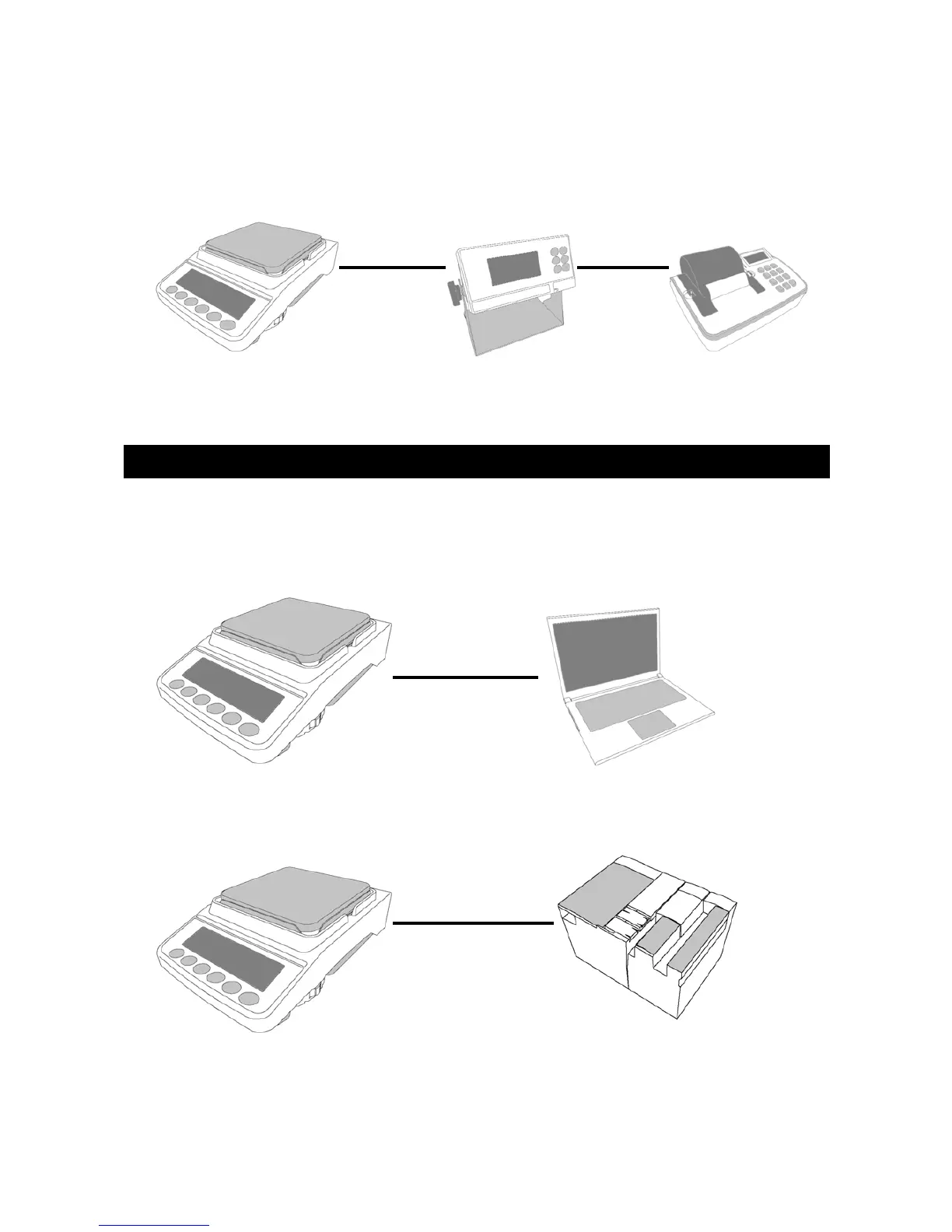
□ When connecting the balance to an external display unit and a printer, connect the balance
with the external display unit (external controller AD-8922A only) with a RS-232C cable and
connect the external display unit and the printer with a RS-232C cable.
When converting the weighing values of the balance into electronic data or when remotely
controlling the balance, connect it to a PC or a PLC.
□ Connect the balance to a PC using a USB or an RS-232C cable.
□ Connect the balance to a PLC using a RS-232C cable.
3-3. Connecting the balance to a PC or a PLC
RS-232C RS-232C
Balance External display unit Printer
Balance
USB
or
RS-232C
PC
PLC
RS-232C
Balance



 To Next Page