GX-A Series/GF-A Series Communication Manual 9 / 41
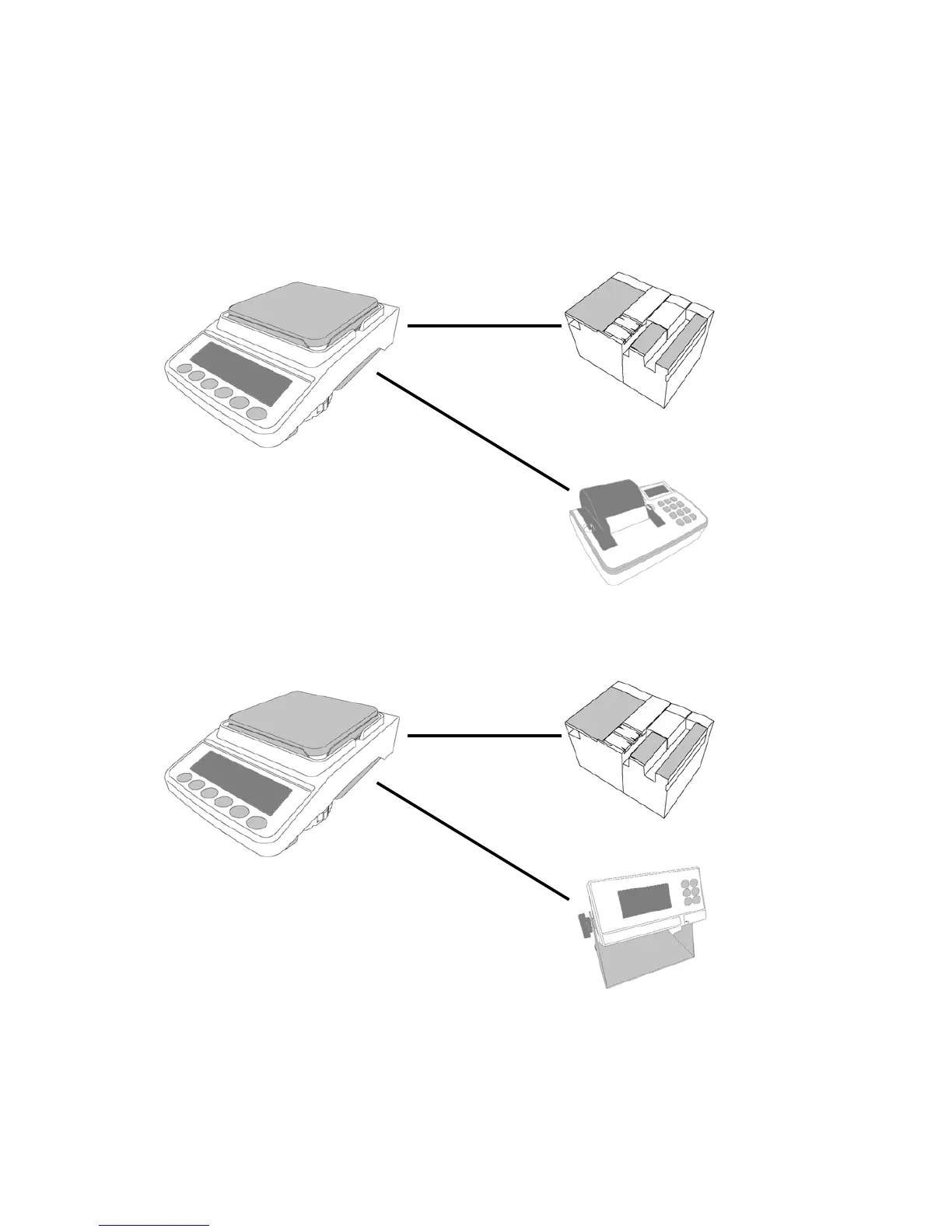
□ When connecting the balance with a PLC and the printer or the external display unit, in both
cases you must use RS-232C cables. When the balance is equipped with the GXA–03 special
option (2nd RS-232C cable, insulated type), connect the PLC with a cable to the RS-232C
connector of the GXA-03, and connect the printer or the external indicator unit with a cable to
the standard RS-232C connector of the balance.
Balance + GXA-03
PLC
Printer
RS-232C
(Insulated t



 To Next Page