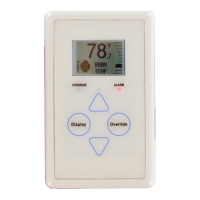
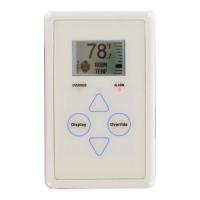
E-BUS Digital Room Sensor Technical Guide
SENSOR SCREENS
7
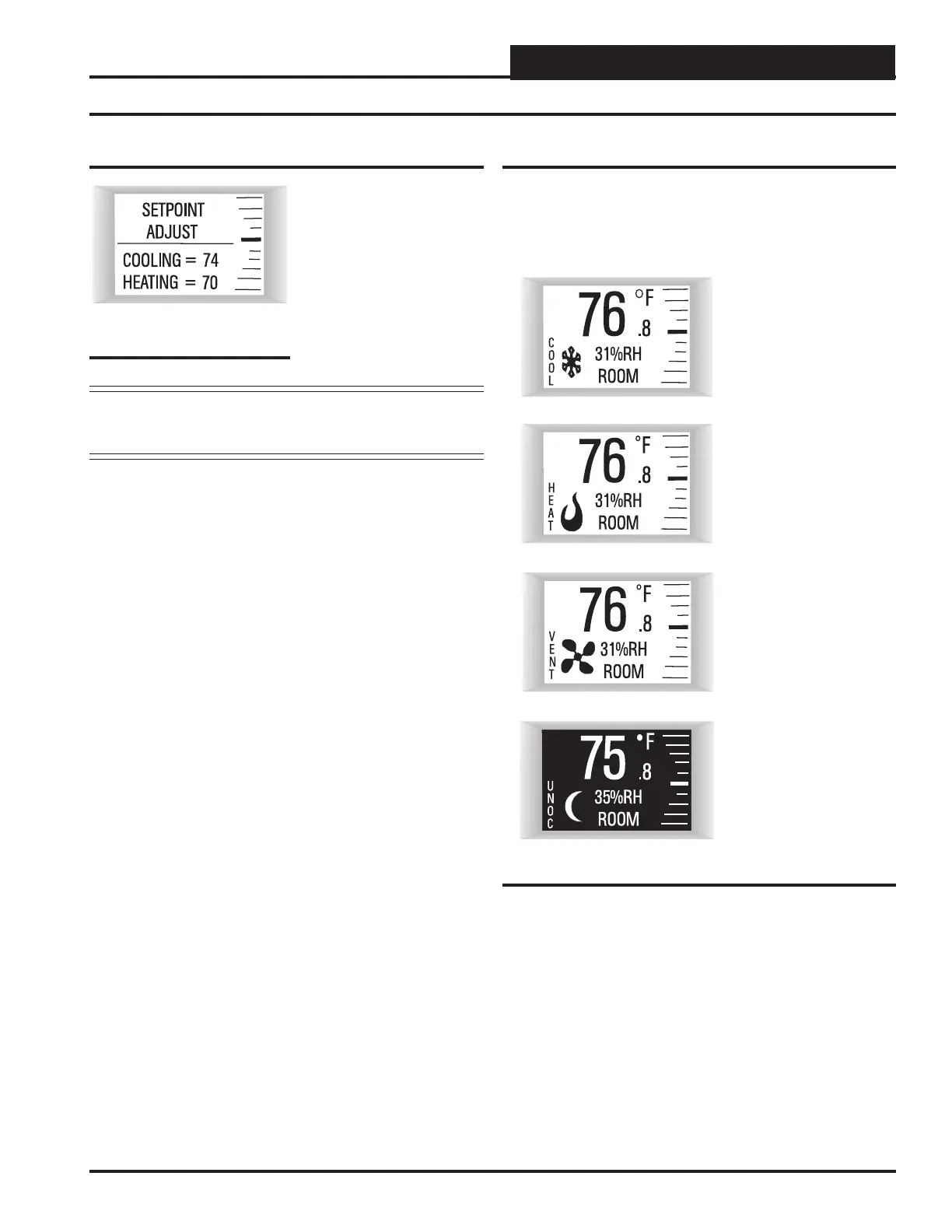
Setpoint Adjust Screen
Touching <> or <> will dis-
play the Setpoint Adjust Screen.
You can adjust the cooling and
heating setpoints from this screen
based on the VAV/Zone, VCCX2,
or VCB-X Controller slide off set
setpoint. For example, if the con-
nected controller’s Max Slide
Off set Setpoint is set for fi ve, you
can adjust the setpoint up fi ve
degrees and down fi ve degrees.
NOTE: If the VAV/Zone or Unit Controller’s slide off set setpoint
is set to Zero, this screen will not appear when you touch
<> or <>.
Figure 9: Operation Mode Screens
Cooling Mode
with Snowfl ake Icon
Heating Mode
with Flame Icon
Vent Mode
with Fan in Motion Icon
Figure 8: Setpoint Adjust
Screen
Unoccupied Mode
with Moon Icon
Operation Modes
Refer to Figure 9 for operation mode screen examples. The diff erent
icons shown are a Snowfl ake for cooling mode, a Flame for heating
mode, a Fan in motion for vent mode, and a Moon for unoccupied
mode. When the unit is in unoccupied mode, the screen’s background
will turn dark.
LCD Display Screens



 To Next Page