Cover Page Graphic
Place the graphic directly on the page, do not care about
putting it in the text flow. Select Graphics > Properties
and make the following settings:
• Width: 15,4 cm (Important!)
• Height: 11,2 cm (May be smaller)
• Top: 5,3 cm (Important!)
• Left: -0,3 cm (Important!)
This text should then be hidden.
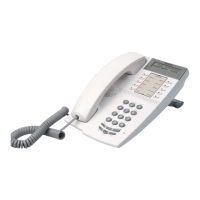
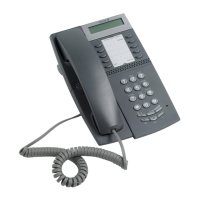
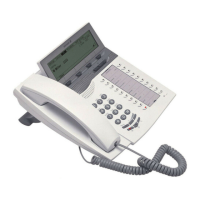
Dialog 4420 IP Basic
SIP Enabled IP Telephone for MX-ONE™
User Guide
North American function codes are used in this guide

 Need help?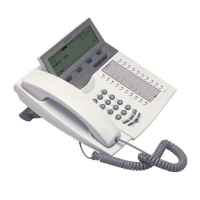






 To Next Page
 General