Description
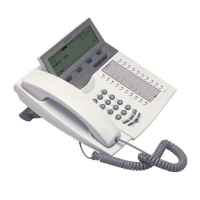
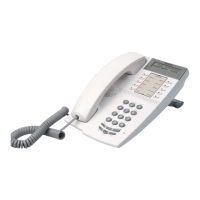
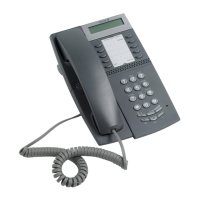
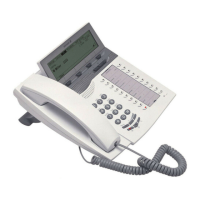
Dialog 4420 IP Basic10
1 Status
Monitoring the network link. Three different status are indicated:
1 Steady light - Telephone is ready to be used.
2 Flashing slowly - Telephone is not ready to be used.
3 Double flash - Telephone has no network connection.
Keys 2-10 Preprogrammed keys / Function keys
The keys are programmed with the specified default features (see
below). The features can be moved to any other programmable
function key by the system administrator.
The features can also be removed from the keys (by your system
administrator). In this case you can program frequently used
features and phone numbers on the keys.
See section “Web Server” on page 58.
2Follow-me
Indicate activation/deactivation of Follow-me. See section “Call
Forwarding” on page 32.
3Message
Message indication key. When the key lamp is on, it is an indication
that you have a new message. See section “Messages” on
page 43.
4 Call Waiting
Activate Call Waiting towards a busy extension. See section “When
you receive a busy tone” on page 22.
5Conference
Establish a conference. See section “Conference” on page 31.
6Callback
Activating Callback. See section “When you receive a busy tone”
on page 22.
7Call Pickup
Call Pickup is used to answer a call from another telephone. See
section “Answer calls” on page 15.
8Transfer
Transfer calls. See section “Suffix Dialing (Dialing During Speech)”
on page 30.
9Line/Hold
Indicates incoming or outgoing calls. See section “Answer calls” on
page 15.







 To Next Page