Call Forwarding
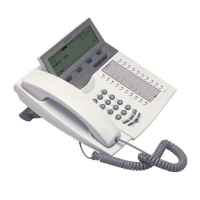
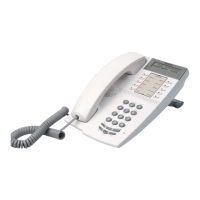
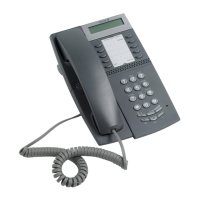
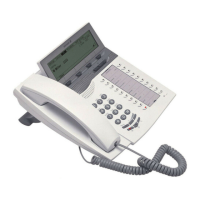
Dialog 4420 IP Basic40
Example:
How to fill in your setting form for search profiles:
Profile 1 In office
* Examples: Desk, Cordless, Mobile, External, Voice Mail, Operator, etc.
Profile 2 At home
Search
order
Type of telephone or
Answering position* Telephone number
Ring time
(seconds)
1Desk 1234 10
2Cordless 5234 15
3 Voice Mail
Search
order
Type of telephone or
Answering position* Telephone number
Ring time
(seconds)
1External 222222 20
2 Mobile 0706666666 25
3 Voice Mail







 To Next Page