Web Server
Dialog 4420 IP Basic60
Settings - Programmable keys
Settings Click.
The sub-menus are shown.
Programmable Keys Click.
A table with the current programming for each key is shown. The
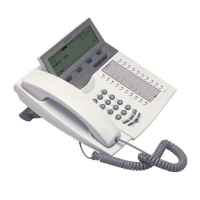
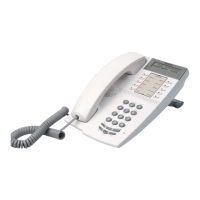
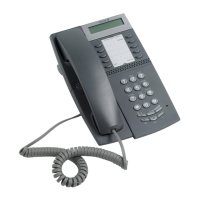
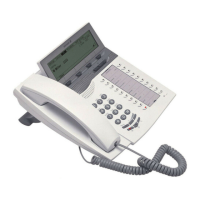
key order corresponds to the programmable keys on the
telephone, i.e. the Line/Hold key is located in the left lower corner.
Note: Text that is not underlined, is a designation for a fixed
key and cannot be changed.
To program a key that has not been programmed:
_ Click for the key to be programmed.
12345 Enter the number or code (example).
Click to save.
The key table is shown with the new number or code.







 To Next Page