by an individual who is somewhat mechanically inclined.
4.2 Procedure
• 1. Changing the Viewing Screen
The XTRprod features an interchangeable viewing screen which al-
lows the user to install a screen with the 16 or Super16 aspect mar-
kings of his choice. See section Chnaging the viewing screen to pro-
ceed.
• 2. Checking Screen Centering
It is adviseable to check that the newly-installed screen is properly
centered to the aperture opening.
Remove both the port cap and the aperture cover. Power the camera,
preferably using a powercable so that a battery is not onboard.
Open the eyepiece shutter and direct light into the eyepiece by poin-
ting its opening at a desk lamp or an overhead light source.
Situate the body so that the lens port is angled to face you. Run the
camera at normal speed; the opening of the aperture plate should be
easy to detect. If this is not the case, place a white piece of paper be-
hind the camera in your field of view.
With a loupe, closely inspect the frame area. If the light through the
eyepiece is strong enough, you should be able to see the reflection of
the viewing screen superimposed over the aperture opening when
the camera is running. If this is not the case, adjust the amount of
light through the finder by moving the eyepiece in or out of the
light.
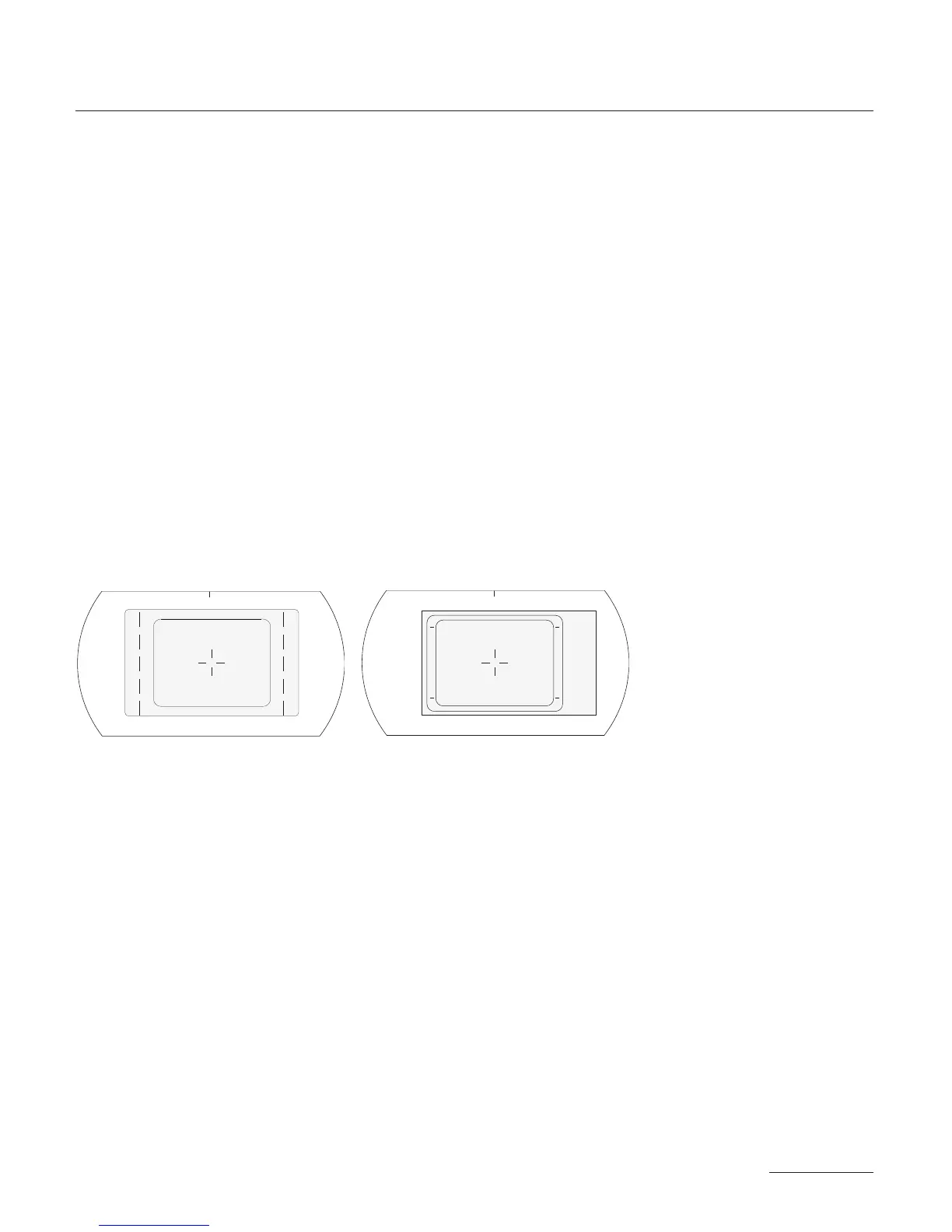
When both the viewing screen and aperture opening can be distin-
guished, check that the viewing screen image is properly aligned to
87
SUPER16



 To Next Page