29
Photo Sub-Menu
Viewing Pictures:
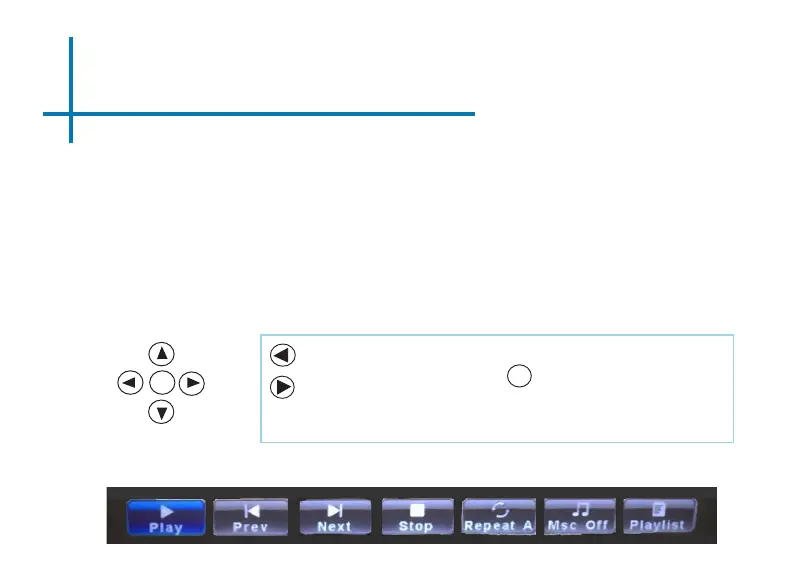
After pressing “OK” during picture slide-show playback, the Photo Sub-Menu
appears. To exit the Photo Sub-Menu, press the “Back” button or wait for 10
seconds. Pictures can be rotated and zoom in/out based on the option you
choose on the Sub-Menu. To navigate the Sub-Menu, use the keypad to move
selection.
Move selection left
Move selection right
Conrm selection
OK
OK















 To Next Page