25
Channel list
Favorites:
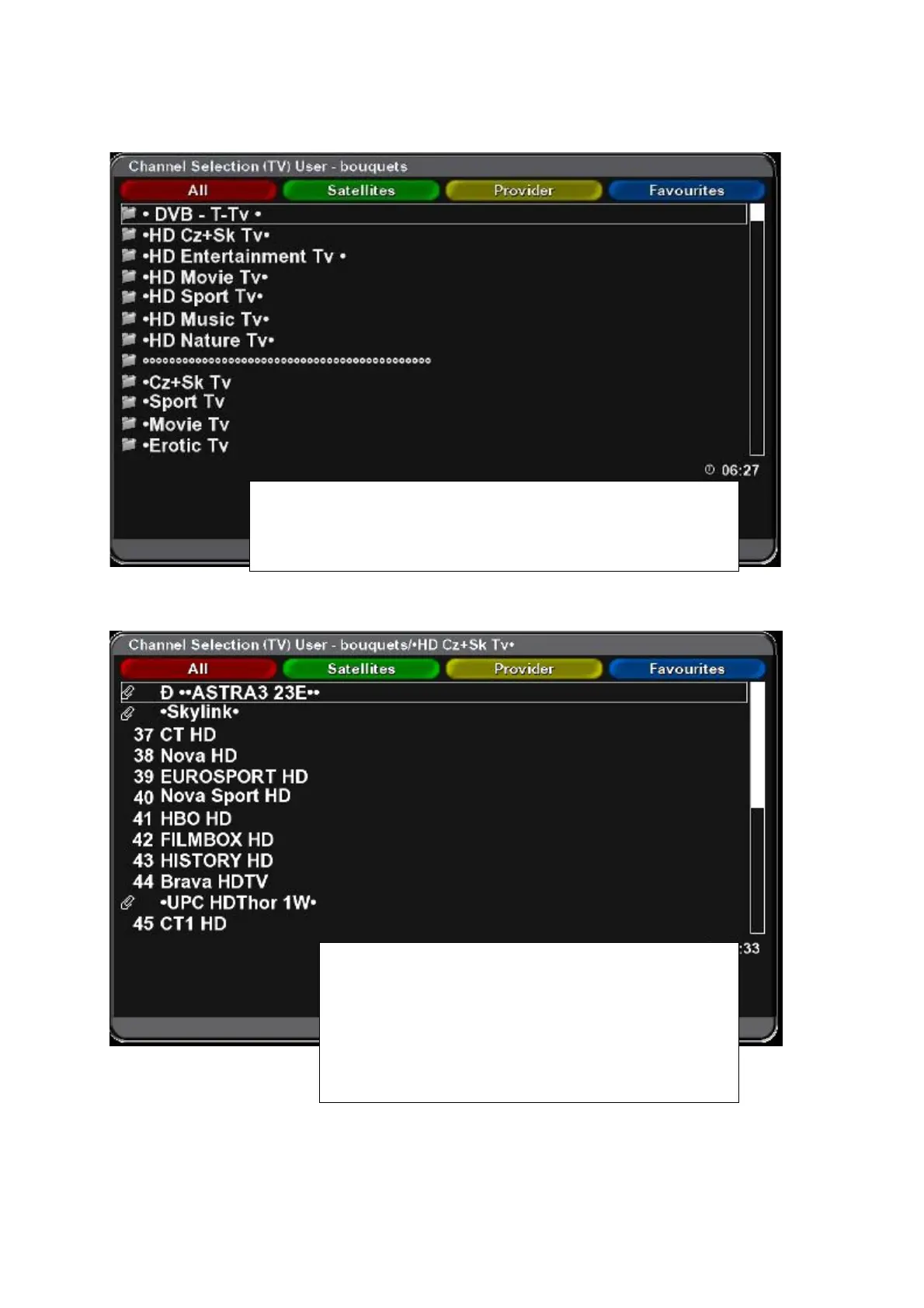
Channel sort, favourites groups - bouquets.
Press OK and Blue function button to display „Favourites“ list.
Select desired Favourite group (e.g. Sport) and use cursor
buttons to select desired channel. Press the OK button –
selected channel will be displayed (if it is FTA channel or
you have the authorization for wathing the channel).
You can swith over the channels also without the menu
by direct inserting corresponding number of the channel.



 To Next Page