39
System setup
(Menu – Setup – System)
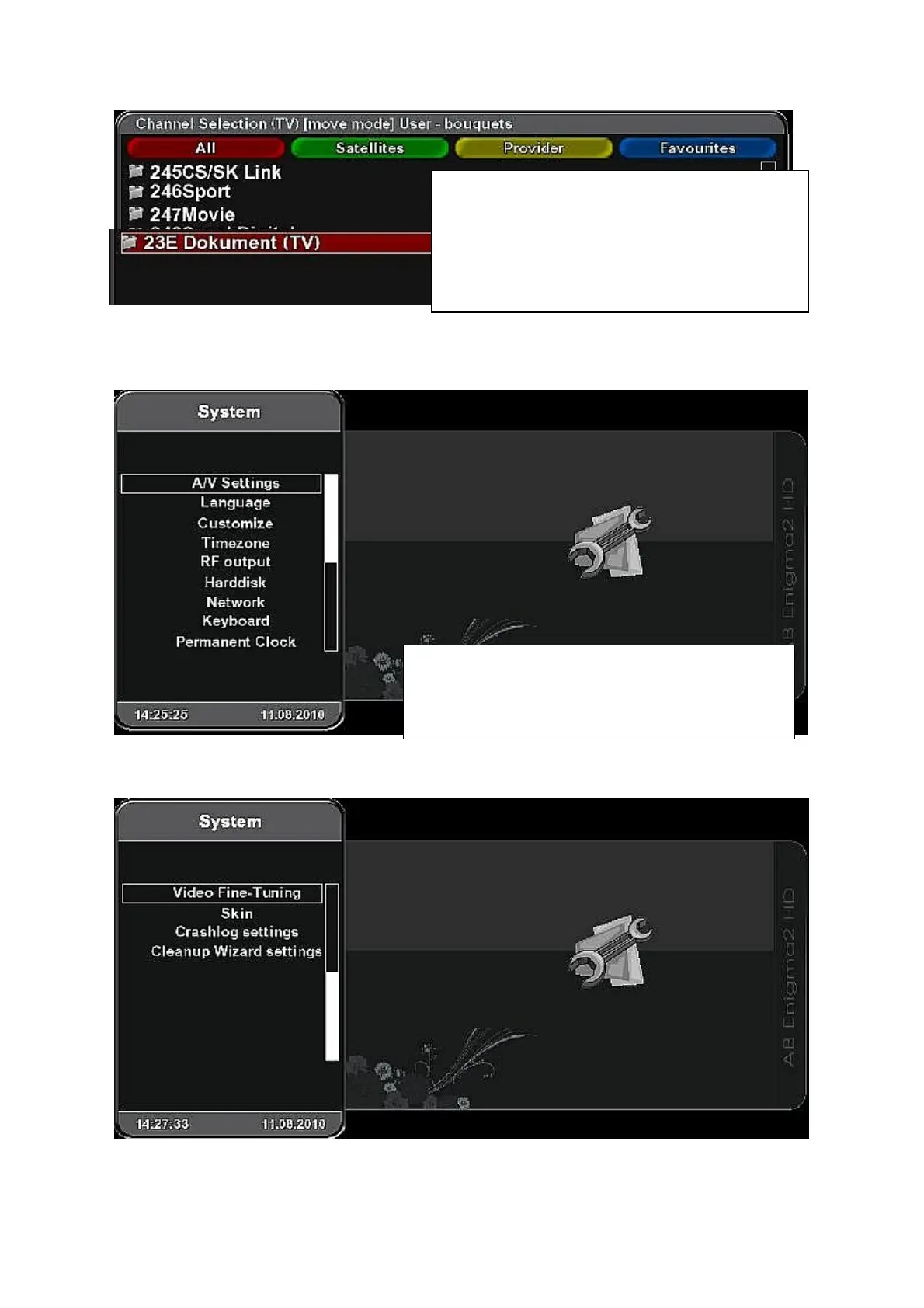
System menu - next page:
To reach best performance of your receiver it is very
important to set up its system properly.
Use Down cursor button to list in next page of
system menu.
Press OK after finishing the writting. New bouquet
will be added on the end of the list.
To change its position in the list activate „move“
mode in service menu. Select the bouquet to be
moved and press OK. Use cursor buttons to find a
new position and press OK.



 To Next Page