52
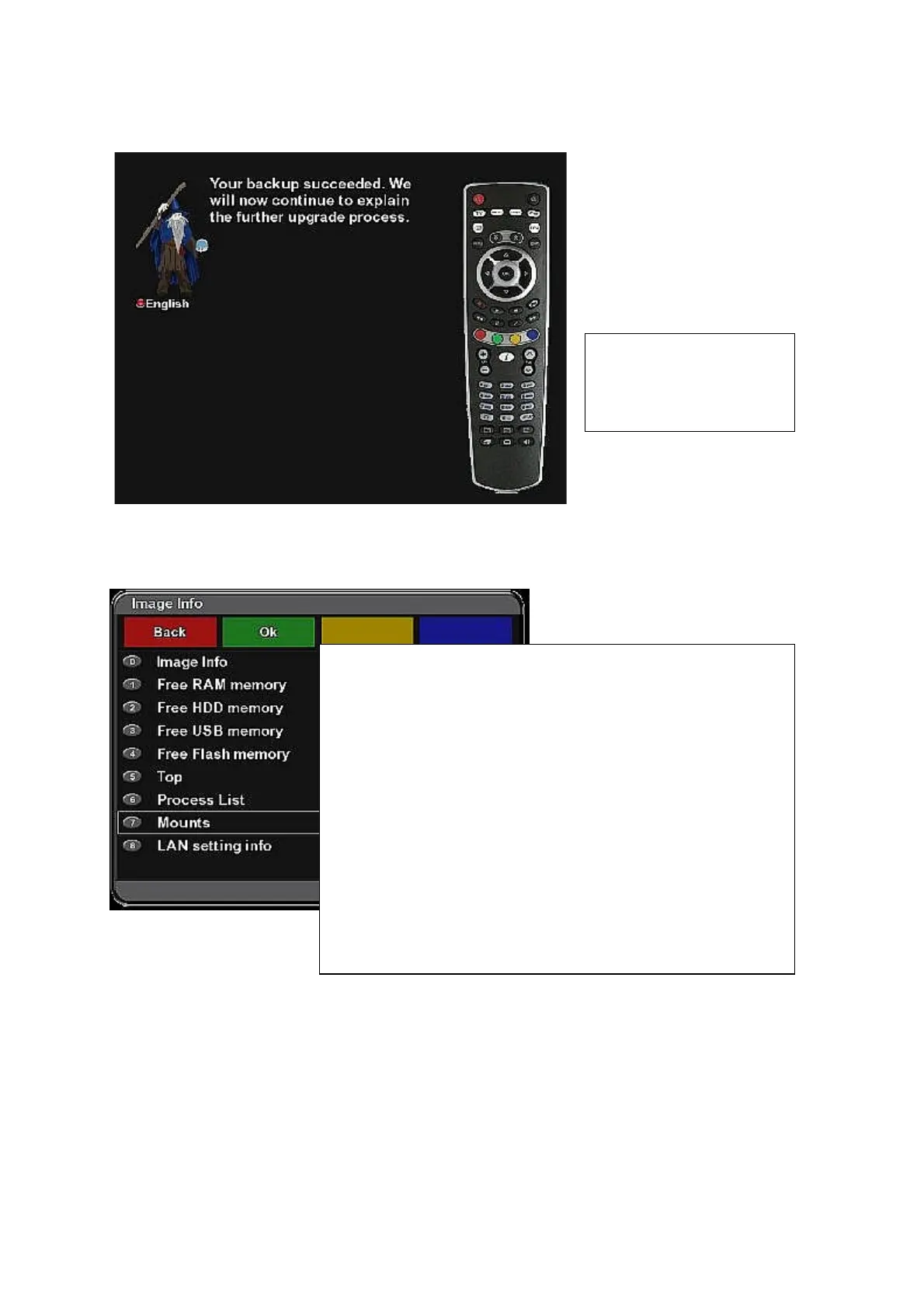
Image upgrade wizard –successful backup message screen:
Image Infos
(Menu – Allinone Panel - Image Infos)
After image upgrade you
can restore your settings
with „Backup restore“
function.
Use cursor buttons and OK button (or numeric buttons for
direct selection) to display corresponding information
window:
= Image Info (firmware information)
= Free RAM memory
= Free HDD memory
= Free USB memory
= Free Flash memory
= Top (info about running files and its locations)
= Process List (info about running processes)
= Mount (info about mounted accessories)
= LAN setting info (Ethernet setting)
Press Red function button (Back) to leave the menu.



 To Next Page