Chapter 3 – Electrical Installation
ACS/ACC/ACP 601 Frequency Converters 3-7
Push
Pull
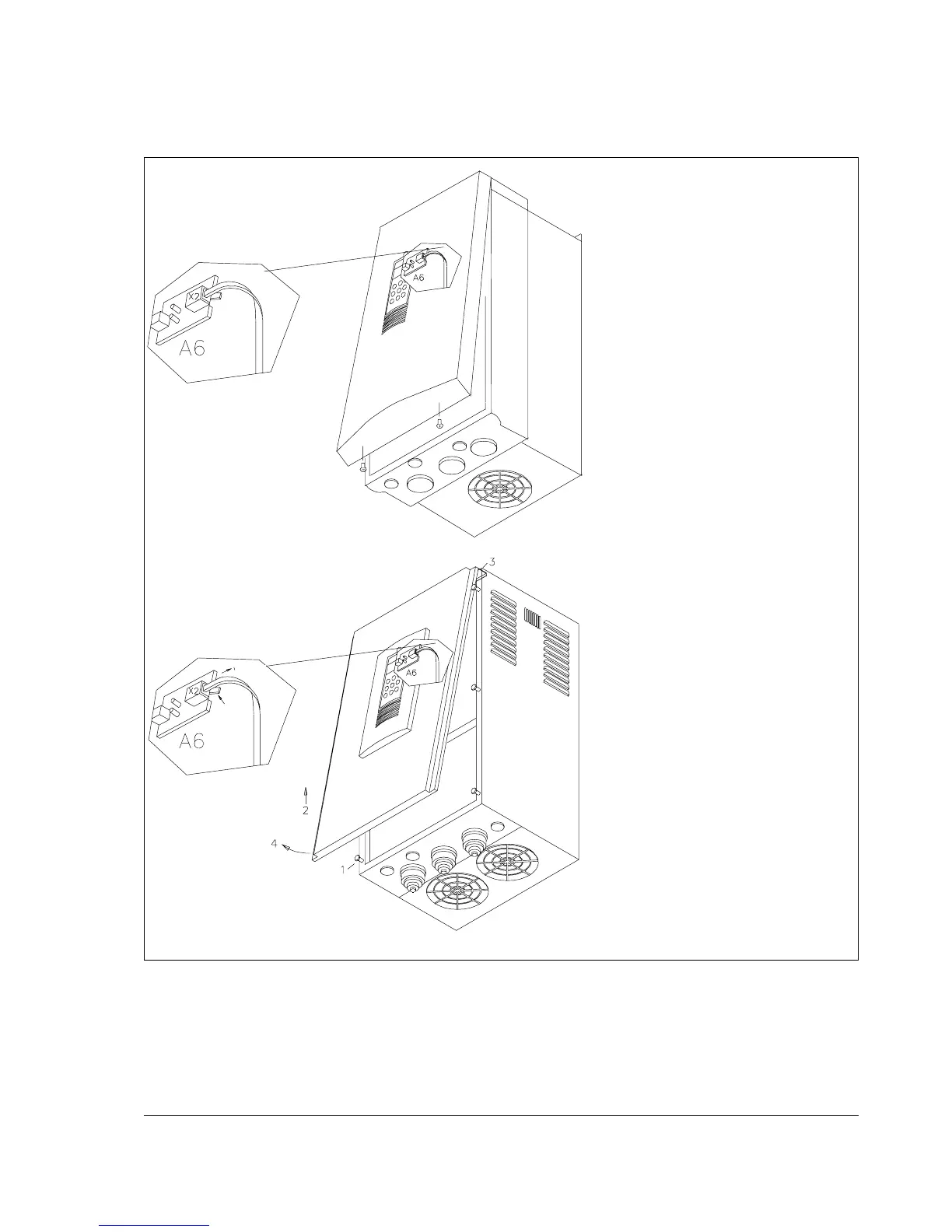
Frame R7:
Removal of the cover
1. Loosen the screws of the cover.
2. Lift the cover somewhat
upwards to release it from the
screws.
3. Leave the cover hanging by its
upper edge.
4. Lift the lower edge of the cover
to gain access to board A6.
Disconnect the cable from
connector X2.
5. Remove the cover.
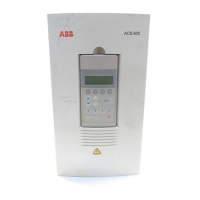
Frames R2 and R3:
Removal of the cover
1. Undo the two screws at the
lower front edge of the unit.
2. Lift the lower edge of the cover
to gain access to board A6.
Disconnect the cable from
connector X2.
3. Remove the cover.







 To Next Page