9
SECTION 4
i-STAT
Alinity — Quick Reference Guide Art: 731848-01 Rev K Rev. Date: 02-Apr-2021
SCREEN COMPONENTS AND THEIR MEANINGS
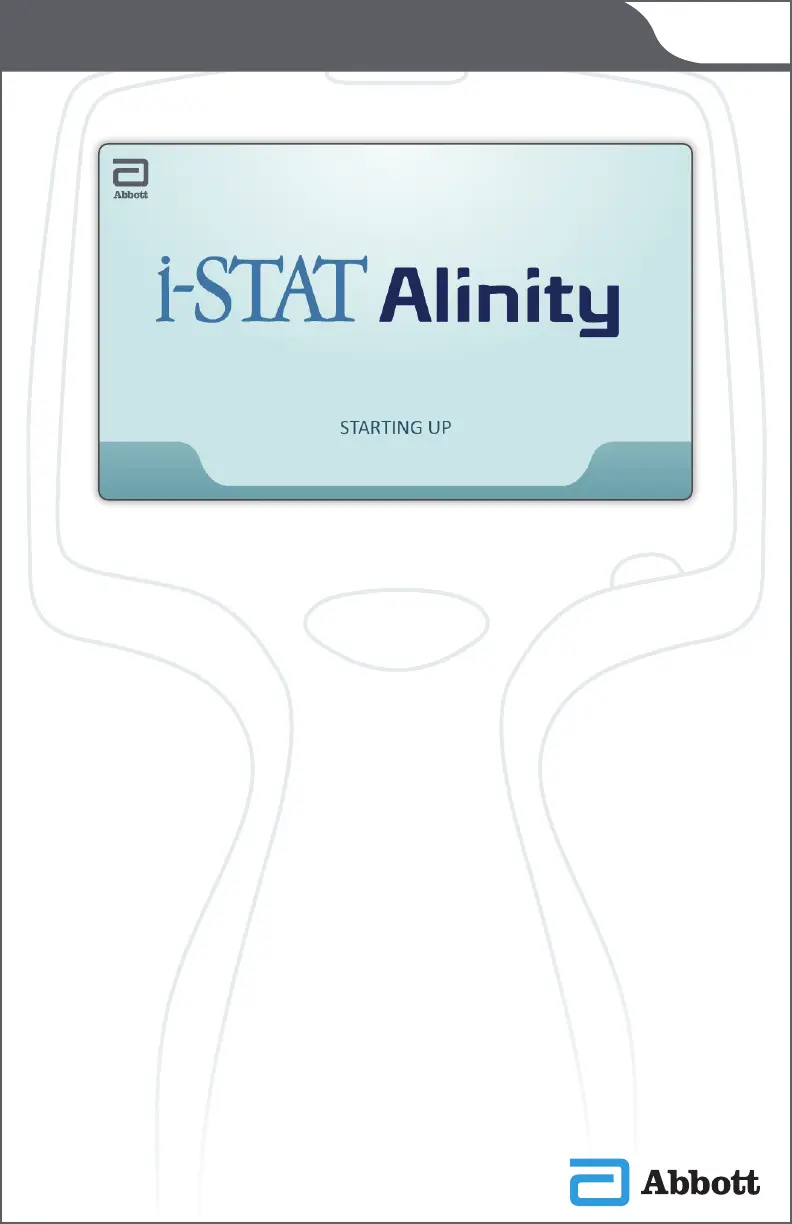
After the power button is pushed and the instrument starts
the power-up sequence, the LED light will turn green,
and i-STAT Alinity will appear briey on the display
screen. During the power-up sequence, the i-STAT Alinity
instrument performs a series of self-checks.
If all the self-checks pass, the instrument will display the
Home screen.
If one or more self-checks fail, the instrument will display the
Alerts Screen.
Home Screen














 To Next Page