Table 3. Troubleshoong charging issues
Problem Possible Soluon
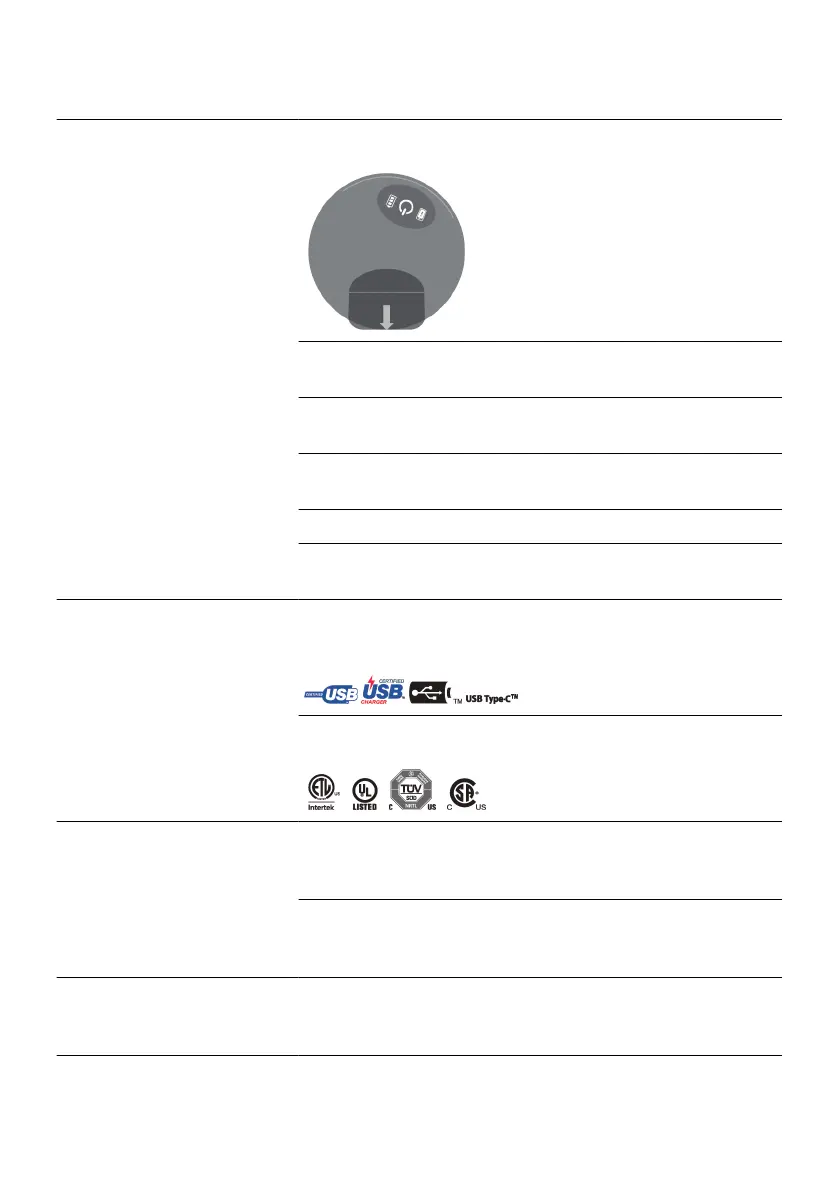
Reposion the charger, aligning the boom of the charger
with the boom edge of the generator.
Ensure the charging apparel is centered over the
generator.
Tighten the charging apparel to ensure the charger is
posioned correctly over the generator.
If you can feel the generator close to your skin, try adding
a thin material on your skin over the implant site.
Consider recharging more frequently for less me.
If the temperature connues to be uncomfortable,
contact your physician.
The charger is not charging. Ensure the charging cable is fully inserted and USB‑IF
cered. To determine if a cable is USB-IF cered, look
for markings such as the following:
Ensure the power adapter is fully inserted and has one or
more of the following cercaon markings:
The charger is not making
sounds.
The charger volume may be set too low. Turn the volume
up. See your paent controller user’s guide for
instrucons.
The charger volume may be turned o. Turn the volume
on. See your paent controller user’s guide for
instrucons.
The charger is too loud. The charger volume may be set too high. Turn the volume
down. See your paent controller user’s guide for
instrucons.
16


 To Next Page