9
1
2
3
4
5
6
7
8
18
Operator ID Entry
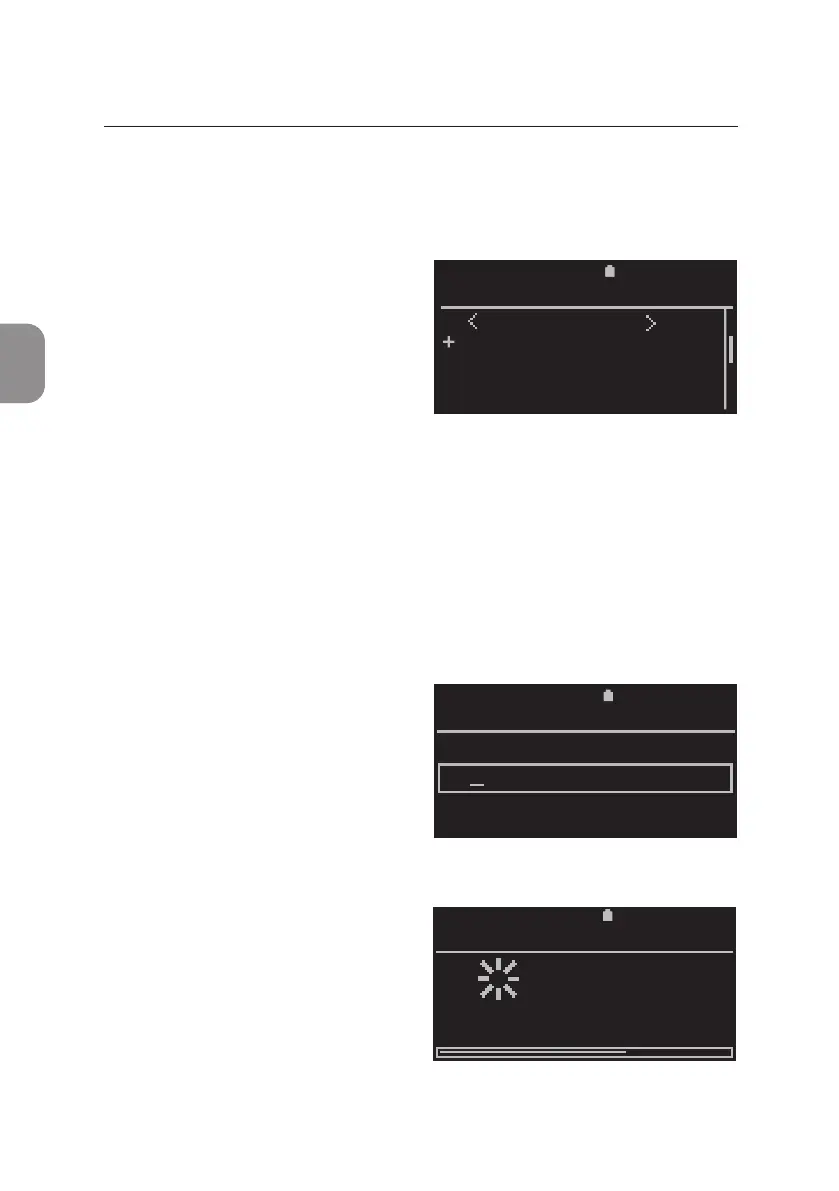
The «Operator List» is displayed with all archived operators in alphabecal
order.
•
Select an operator from the list by
using ⌱ and ⌲ and conrm the
selecon with 〈.
Or, if the operator is not yet in the
list, select «New Operator» to enter
a new operator into the list.
Refer to secon 6 for instrucons on how to enter a new Operator ID into the
Operator List.
Sample ID Entry
Aer entering an operator, the «Enter Sample» window is displayed on the
screen.
• A Sample ID of up to 20 characters
may be entered using the keypad.
Enter Sample ID and conrm
with 〈.
Analysis in Progress
• Aer Operator and Sample ID have
been entered successfully,
the «Analysis in Progress» window
appears.
The ID of the sample currently
analysed and an esmated me to
compleon are shown.
2020-11-01 11:05
ENTER SAMPLE
67
2020-11-01
PIMA CD4
Analysing
67352
time—to—result:
11:14
11:00
11:052020-11-01
OPERATOR LIST
New Operator
Anton
Chris
Karin
3 RUNNING A TEST



 To Next Page