Driver & Utility
SG-80DC 4-1
4. Driver & Utility
The “Driver & Utility CD” that came packed with this motherboard contains drivers, utilities and
software applications required for its basic and advanced features.
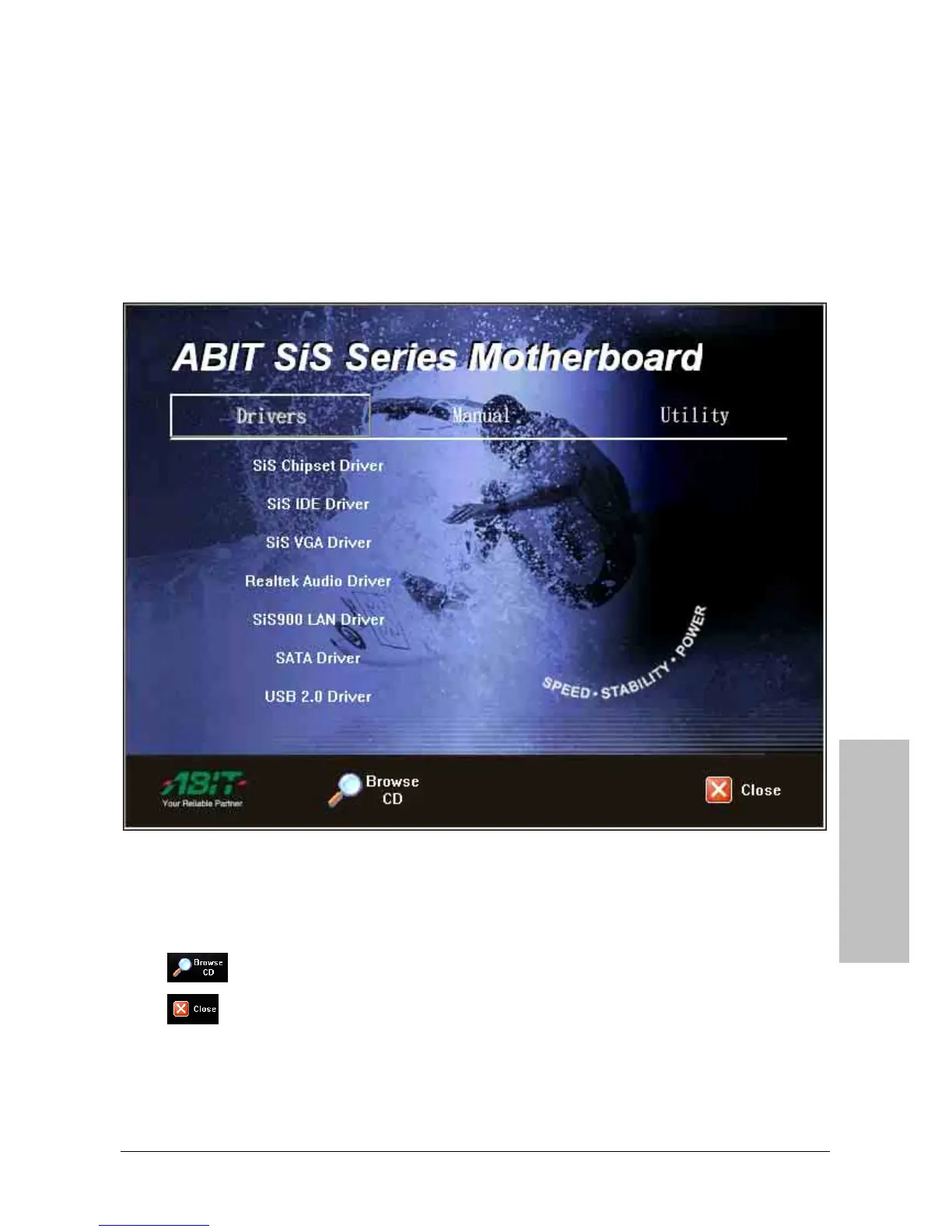
Place the “Driver & Utility CD” into the CD-ROM drive in your system. The following installation
auto-run screen appears. If not, browse the root directory of the CD-ROM via the File Manager,
and double click the “AUTORUN” file.
• [Drivers]: Click to enter the driver installation menu.
• [Manual]: Click to enter the user’s manual menu.
• [Utility]: Click to enter the utilities installation menu.
•
[
Browse CD]: Click to browse the contents of this “Driver & Utility CD”.
•
[
Close]: Click to exit this installation menu.



 To Next Page