3-6 Chapter 3
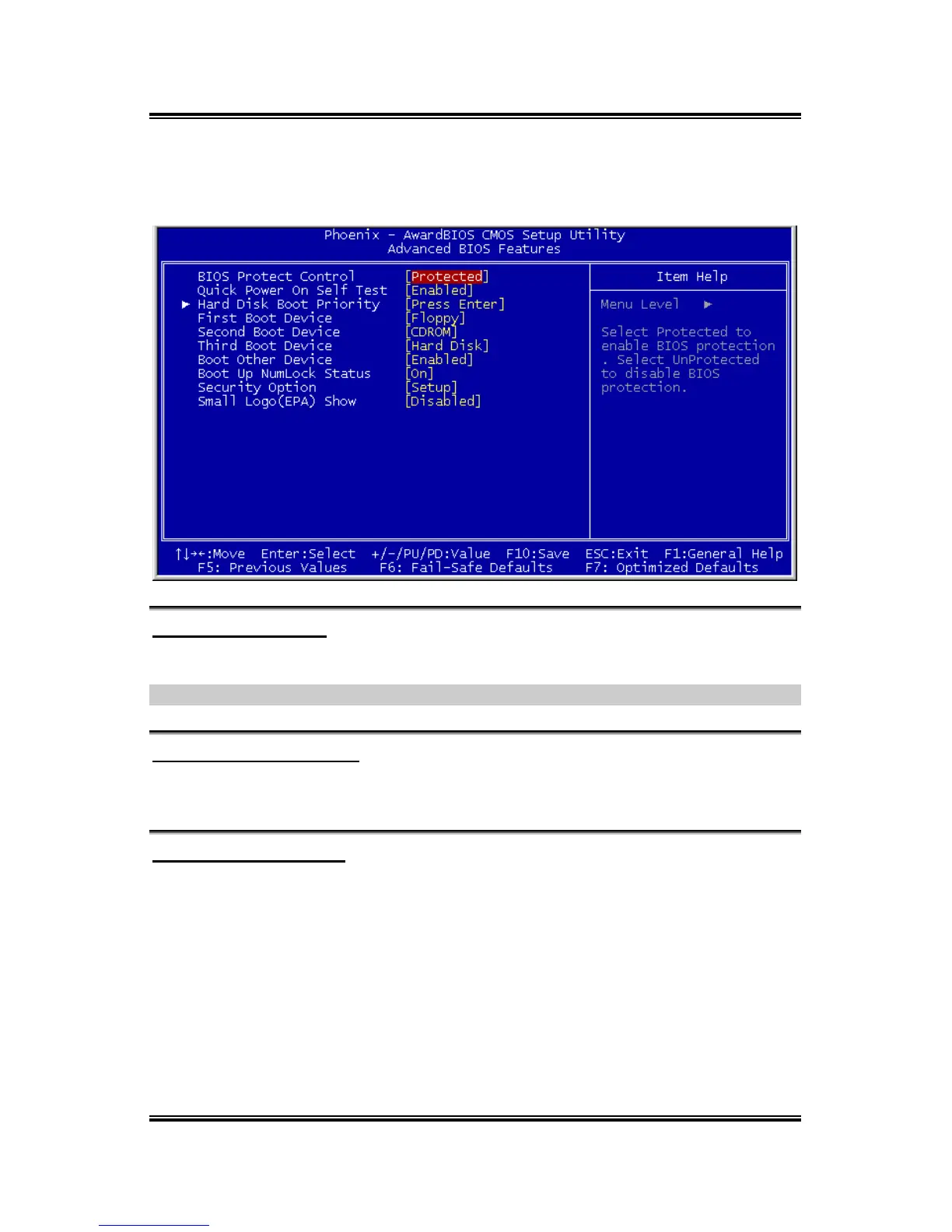
3.2. Advanced BIOS Features
BIOS Protect Control
This option protects for accidentally BIOS writing attempt.
NOTE: Make sure to set this item to “Unprotected” when flashing the BIOS.
Quick Power On Self Test
When set to [Enabled], this item speeds up the Power On Self Test (POST) after
powering on the system. The BIOS shorten or skip some check during the POST.
Hard Disk Boot Priority
This item selects the hard disks booting priority. By pressing <Enter> key, you can
enter its submenu where the hard disks detected can be selected for the booting
sequence to boot up system.
This item functions only when there is the option of [Hard Disk] in any one of the
First/Second/Third Boot Device items.
VA-10/VA-11



 To Next Page