3-16 Chapter 3
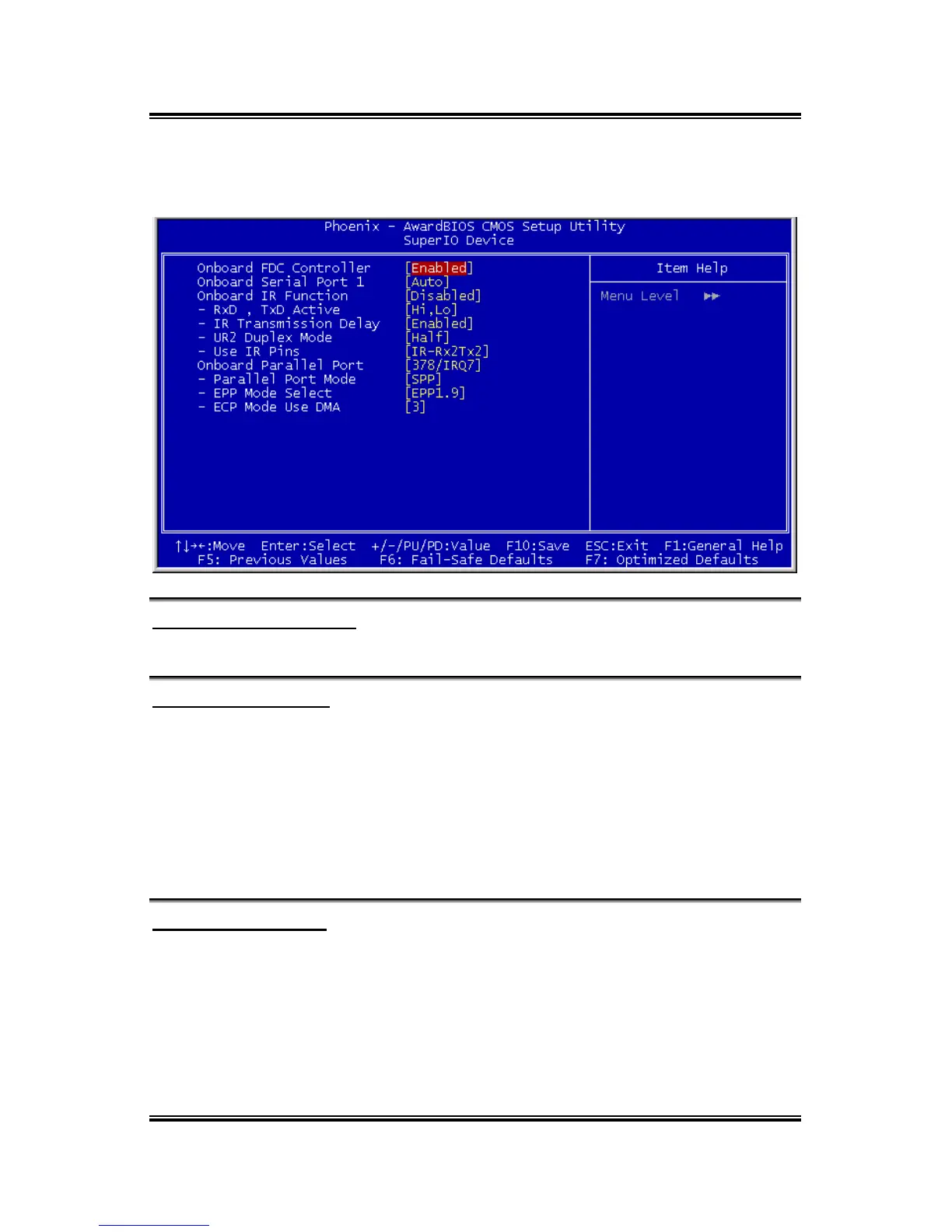
SuperIO Device:
Click <Enter> key to enter its submenu:
Onboard FDC Controller
This item enables or disables the onboard FDC controller.
Onboard Serial Port 1
This item determines which I/O addresses the onboard Serial Port 1 controller will
access.
[Auto]: The system automatically select an I/O address for the onboard Serial Port 1.
[3F8/IRQ4, 2F8/IRQ3, 3E8/IRQ4, 2E8/IRQ3]: Allows you to manually select an I/O
address for the onboard Serial Port 1.
[Disabled]: Disables the onboard Serial Port 1.
Onboard IR Function
This item selects the Infrared (IR) function mode.
RxD, TxD Active:
This item sets the IR transmission/reception polarity.
VA-10/VA-11



 To Next Page