24
6.2. Error Codes and Their Meanings
Code Meaning
Er05 Battery weak or faulty
Er06 Output short-circuited
Er07 EPO mode
Er11 UPS over-temperature
Er12 Inverter overload
Er24
Utility low(< 160 V)or battery disconnected
Er28 Bypass overload
6.3. Maintenance
1. Clean the dust from the ventilation openings and intakes on the rear panel.
2. Turn off the UPS and wipe the casing with a damp cloth.
Be careful to
avoid getting water in the UPS.
3. Periodically unplug the power cord of the UPS from the wall receptacle to
test the condition of the batteries. Be sure you have saved your data in
any open computer applications before you proceed with this battery test.
25
7. Communication Software
7.1. Hardware Setup
1.
Decide whether to use RS-232 communication or USB communication. (For
optional interface cards please refer to Chapter 8.)
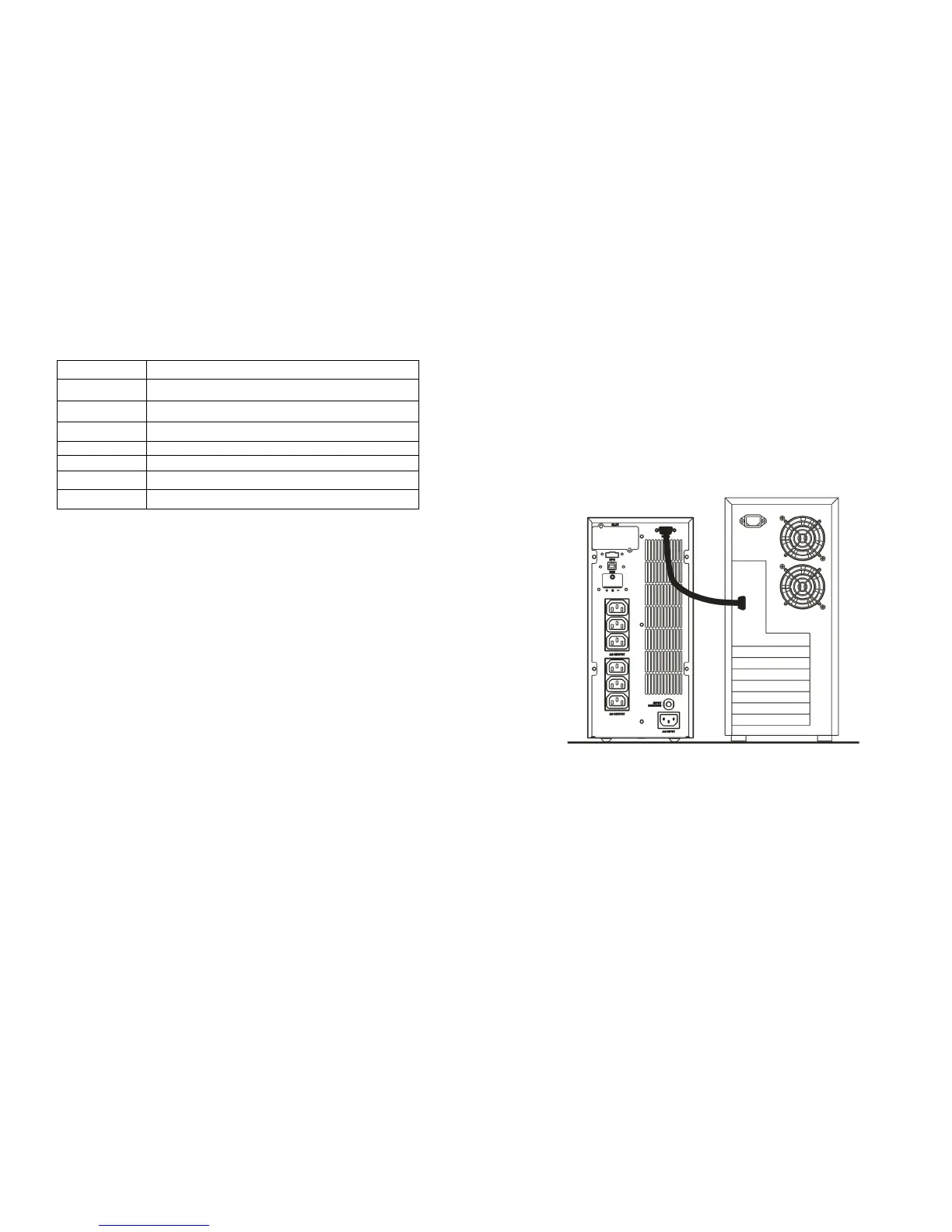
2. Connect a male RS-232 connector or a USB cable* to the UPS
communication port. Connect the female RS-232 connector or the other
end of the USB cable to the computer.
*Note: RS-232 and USB cables are optional.
7.2. Software Installation
Please refer to the software user’s manual.







 To Next Page