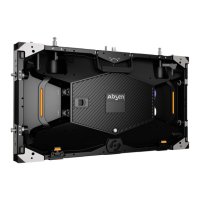
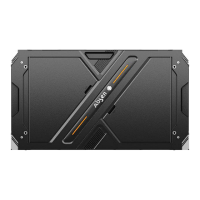
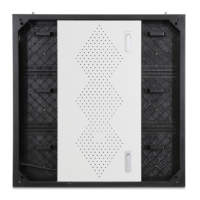
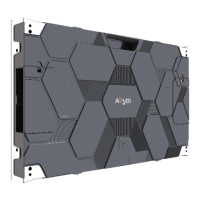
- 15 - A27 Plus Series User Manual
Step 4: After all the cabinets assembled, connect all the power and data cables.
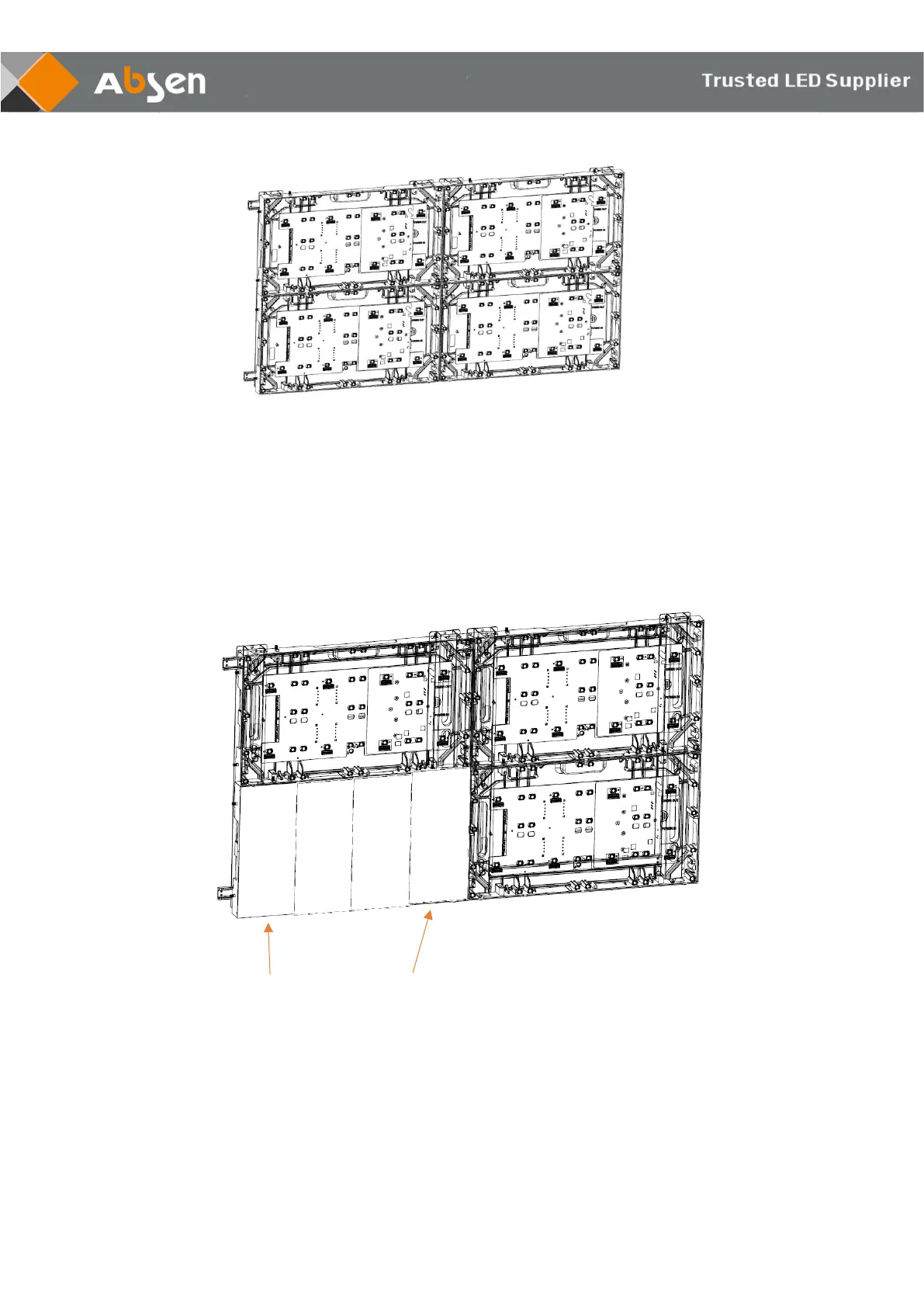
Step 5: Install the module. Please follow the instructions for this step as below:
From the front view, module XX-1 is installed on the leftmost side of the cabinet, and
module XX-4 is installed on the rightmost side of the cabinet. (Note: "XX" represents for
cabinet number, which should be exactly the same between cabinets and modules.)


 To Next Page
 Loading...