A27 V3 Series Product User Manual
6 Product Maintenance
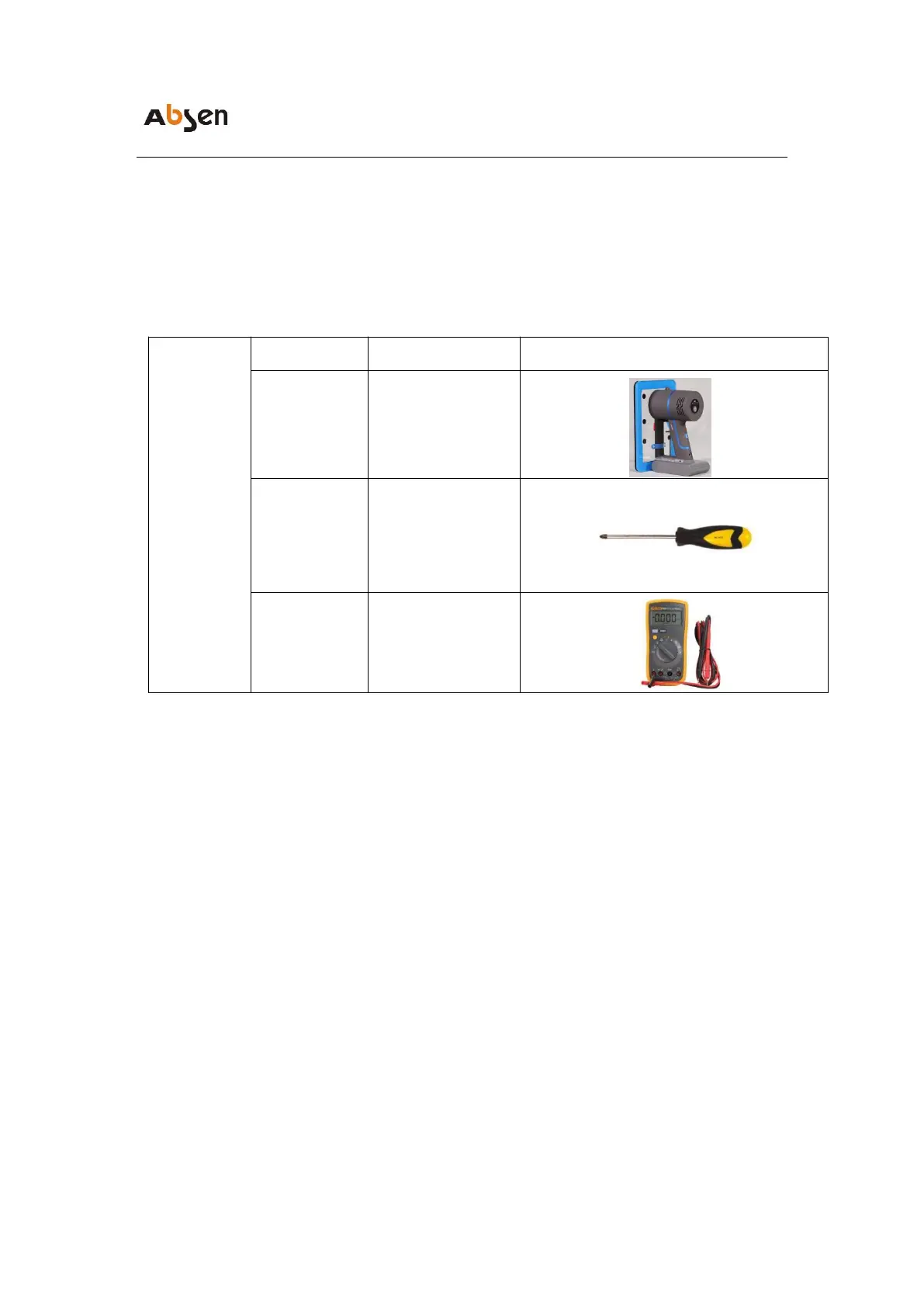
6.1 Preparation Tools
Installation and removal
LED module
Removing/installing
screws for adapter
board, receiving
card, and power
supply
Measuring power
cable and distribution
cabinet
6.2 Module maintenance
The A27 V3 series module can be quickly removed using a vacuum adsorption
tool in 3-5 seconds, Attach the front maintenance tool to the faulty module
surface to be removed, press the switch once, hold for 3-5 seconds, and then
forcefully pull the air suction tool outward to remove the module.


 To Next Page
 Loading...