PL Lite Series User Manual - 25 -
5.2.2 Power Box Maintenance
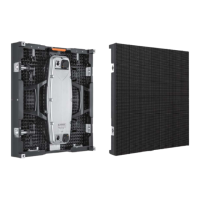
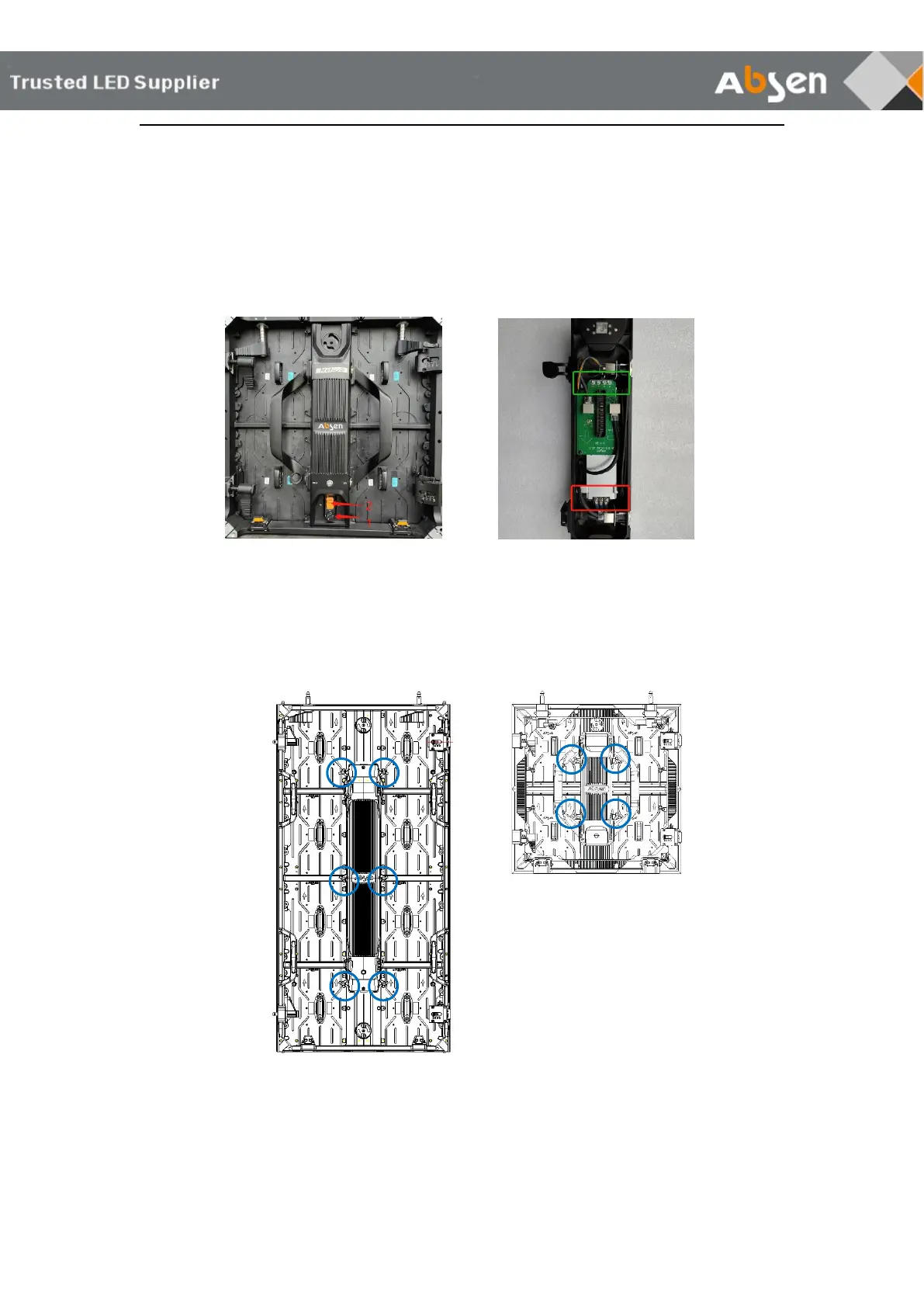
500×500mm cabinet:
Step1: Switch the power box knob to the unlock position
Step2: Buckle the yellow power box up and remove it
Step3: Remove the fixed screw of power supply
Step4: Replace with new power box
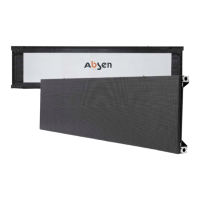
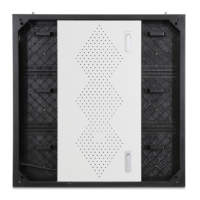
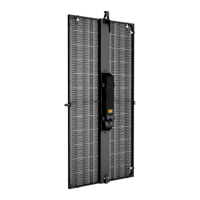
Other cabinets:
Unscrew the loose screw of the power box and remove it for maintenance. (screw position
is shown in the circle)
Attention: It is necessary to cut off power supply of cabinets during the maintenance of the power box to
avoid electric shock.


 To Next Page
 Loading...