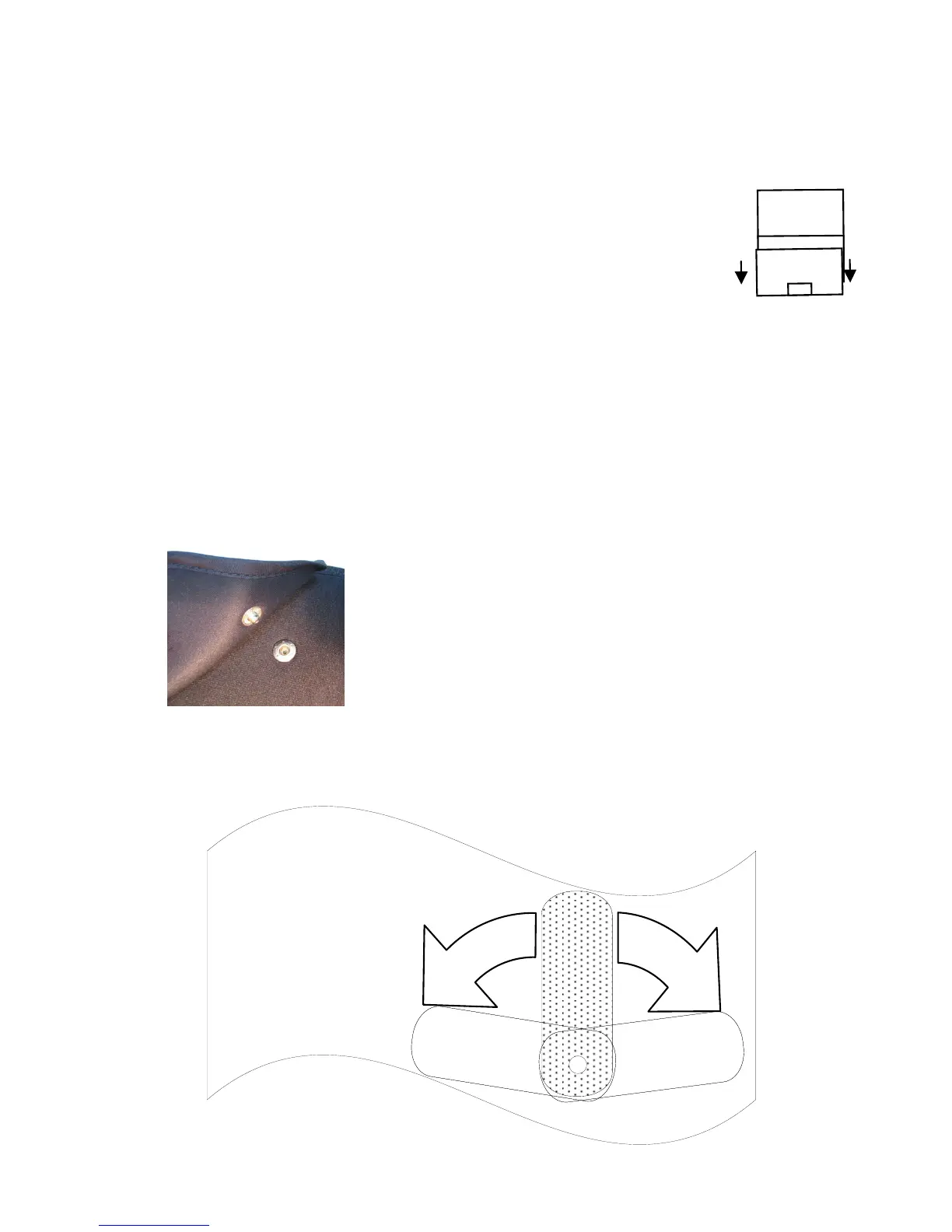
The AbTronicX2 is very easy to use. Every operation is clearly shown
on the LCD display and all programs will run automatically. For ease
of use the LCD display can be flipped upside down to make reading
easy when wearing the belt. Additionally the unit has an auto switch
off function.
Operation:
1. Open the battery compartment by sliding the door
gently downwards (please see diagram)
2. Insert 2 x AAA batteries by following the polarity indications in
the compartment.
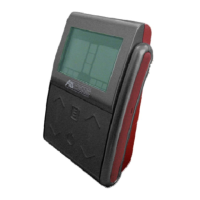
3. Attach the control unit to the belt by simply clipping it onto
the front.
4. Attach the conductive pads to the belt by simply clipping them
on using the press studs.
7
For the rear channel,you can adjust any position for the
AbTronicX2 conductive pads. The velcro pads are easy to put on
:


 To Next Page