69
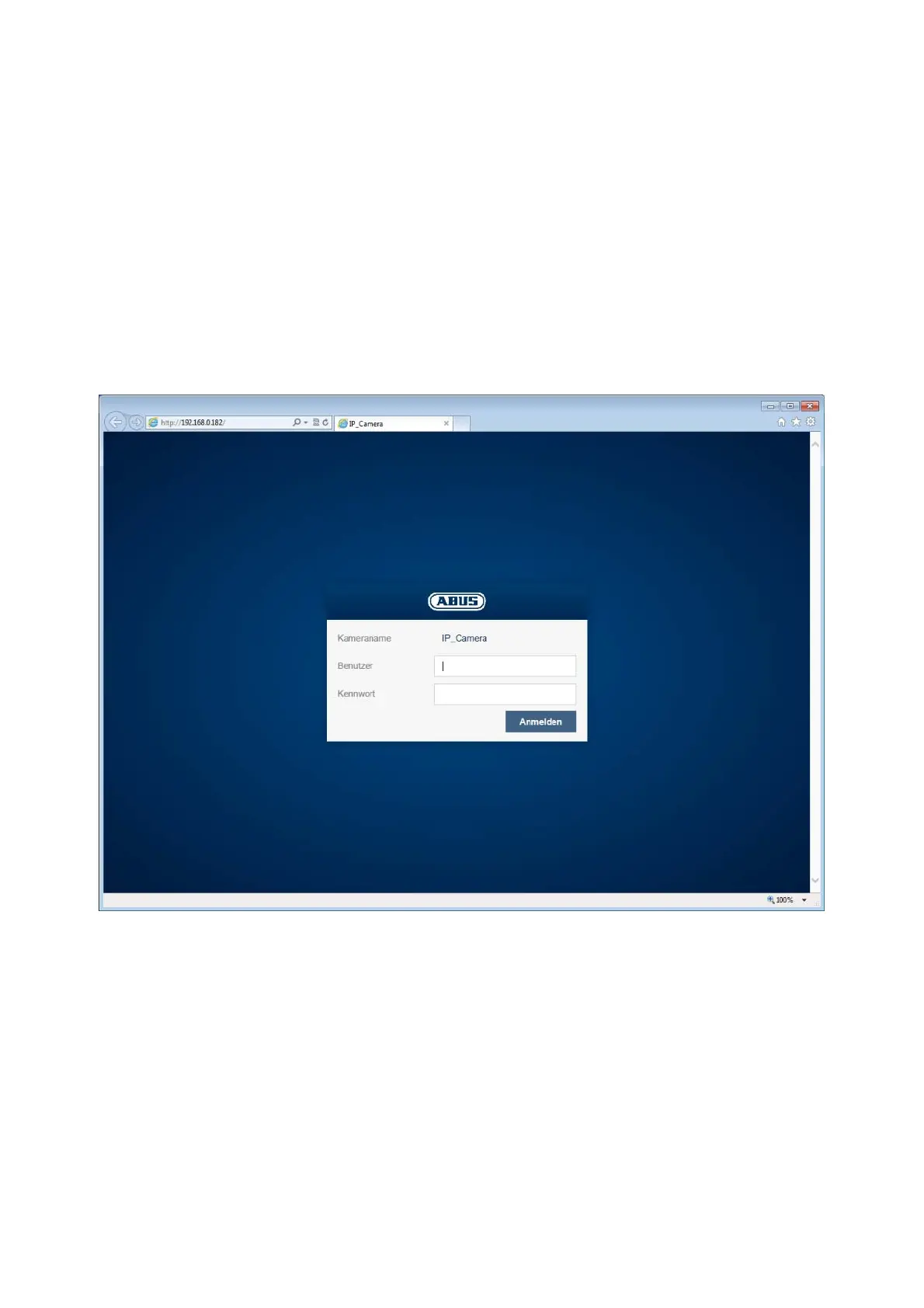
7.4 Homepage (login page)
After entering the IP address in the browser's address bar and opening up the page, the home
page will appear in the language set in the Internet Explorer options (Windows setting).
Each respective user account (installer, master or user) can set their language individually. For
example, the settings pages can be set to English for the "installer" account and German for the
"master" account.
The following languages are supported: German, English, French, Dutch, Danish, Polish,
Spanish, Portuguese, Swedish and Italian.
If a language is not supported, the website will be displayed in English.



 To Next Page