75
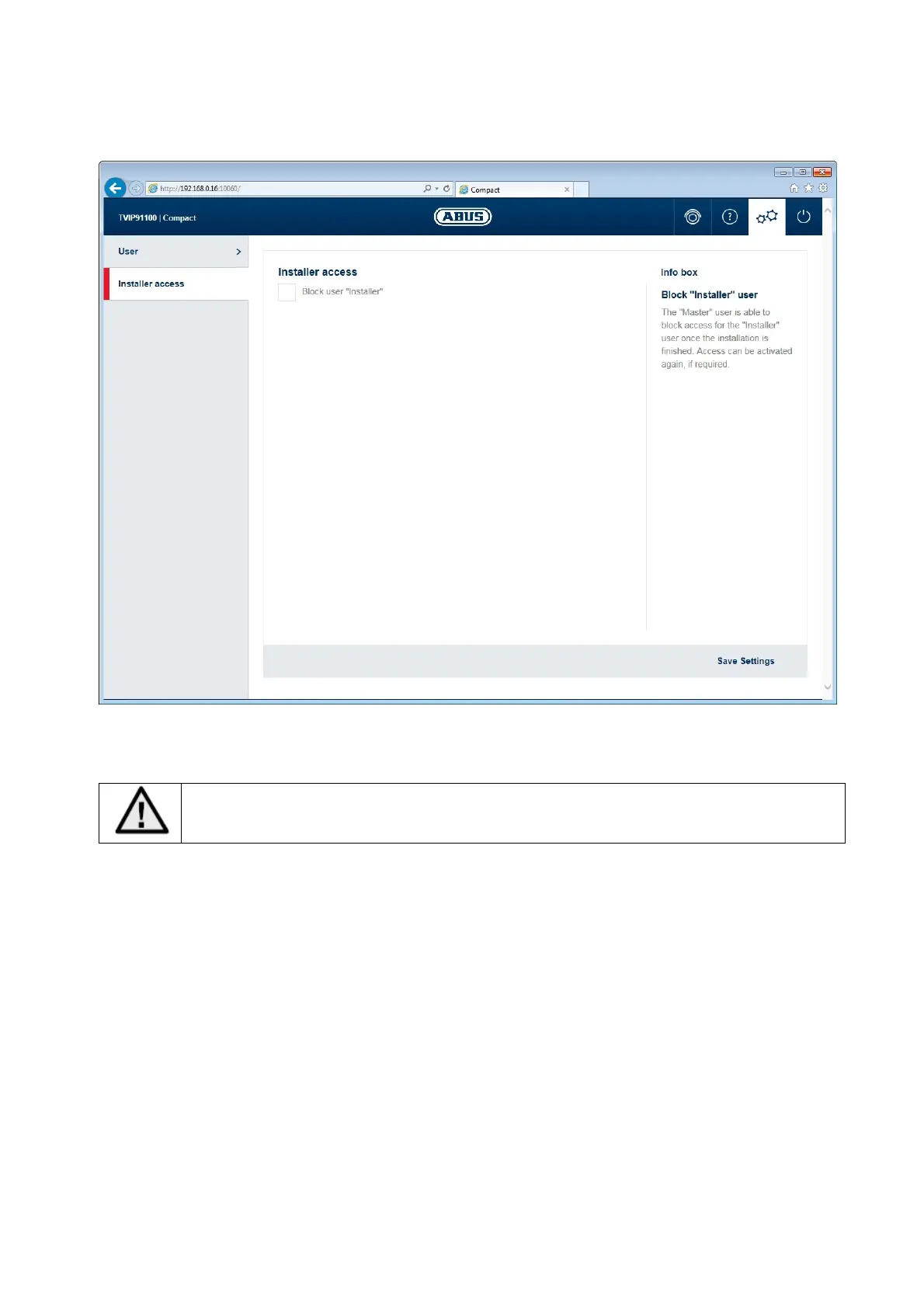
9.1 Deactivate/activate installer access
Block user "installer": ticking the box will block access for the user "installer". Only the
"master" user can unblock access again.
If the "installer" user has forgotten their login information, you must load the factory
settings for the camera via the "RESET" button. This will restore all usernames and
passwords to factory settings.



 To Next Page