92
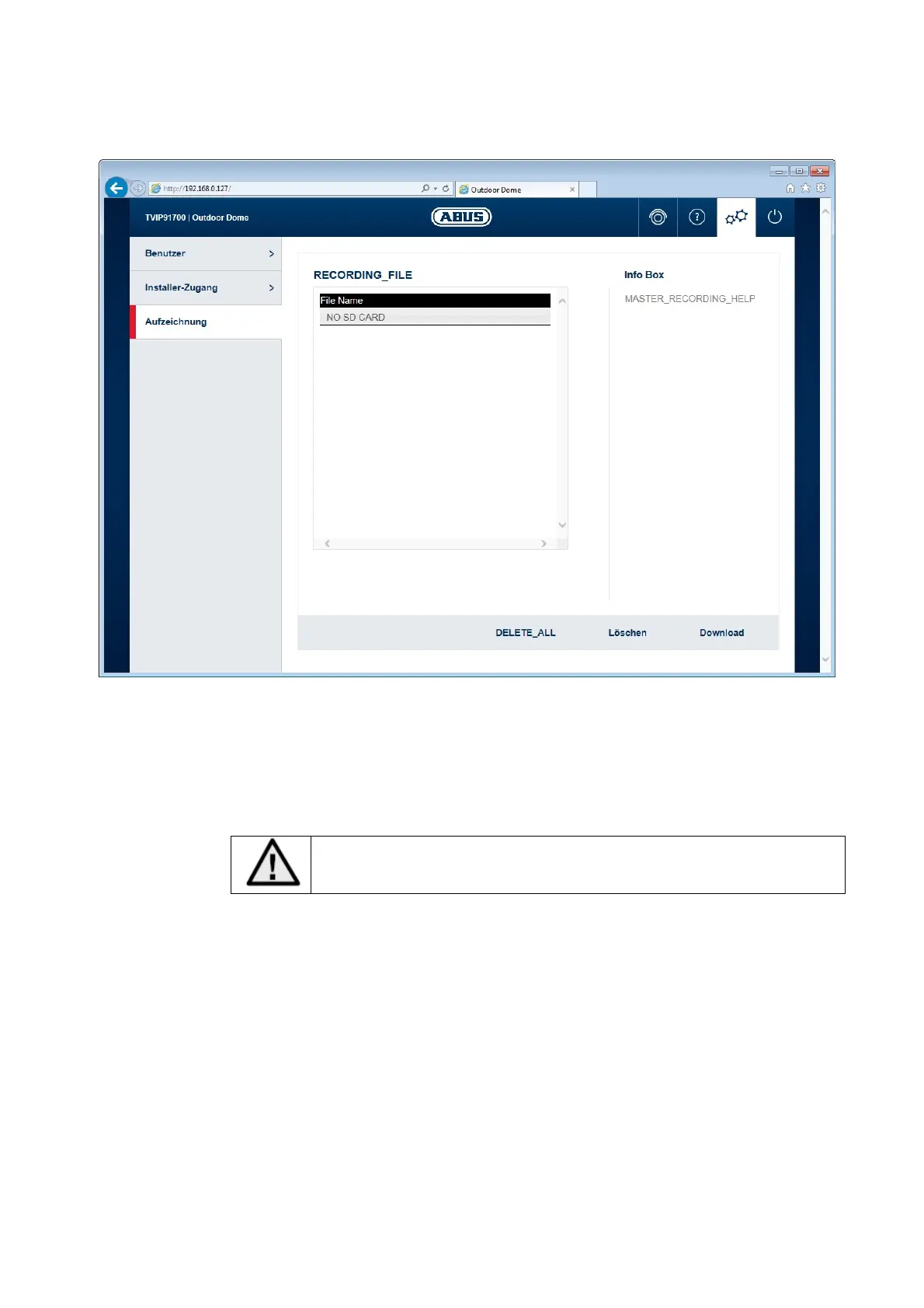
10.4.10 Displaying/downloading video from the internal memory
File list: all the video data recorded by the camera during a network failure is displayed
here. The maximum file size is 150 MB. If the file size is exceeded due to the
length of recording, a new file is opened.
The file name represents the recording's starting time.
File format: YYYYMMTThhmmss.avi
Make sure that the camera's time setting is entered correctly before
activating the network loss recording function.
Delete all: delete all recorded data from the camera's internal memory. Important: all files
are permanently lost after performing this function.
Delete: delete one or more files by marking them in the file list.
Download: download files by marking them in the file list (they will be downloaded one after
another).



 To Next Page