77
10. View and configuration menus user "installer"
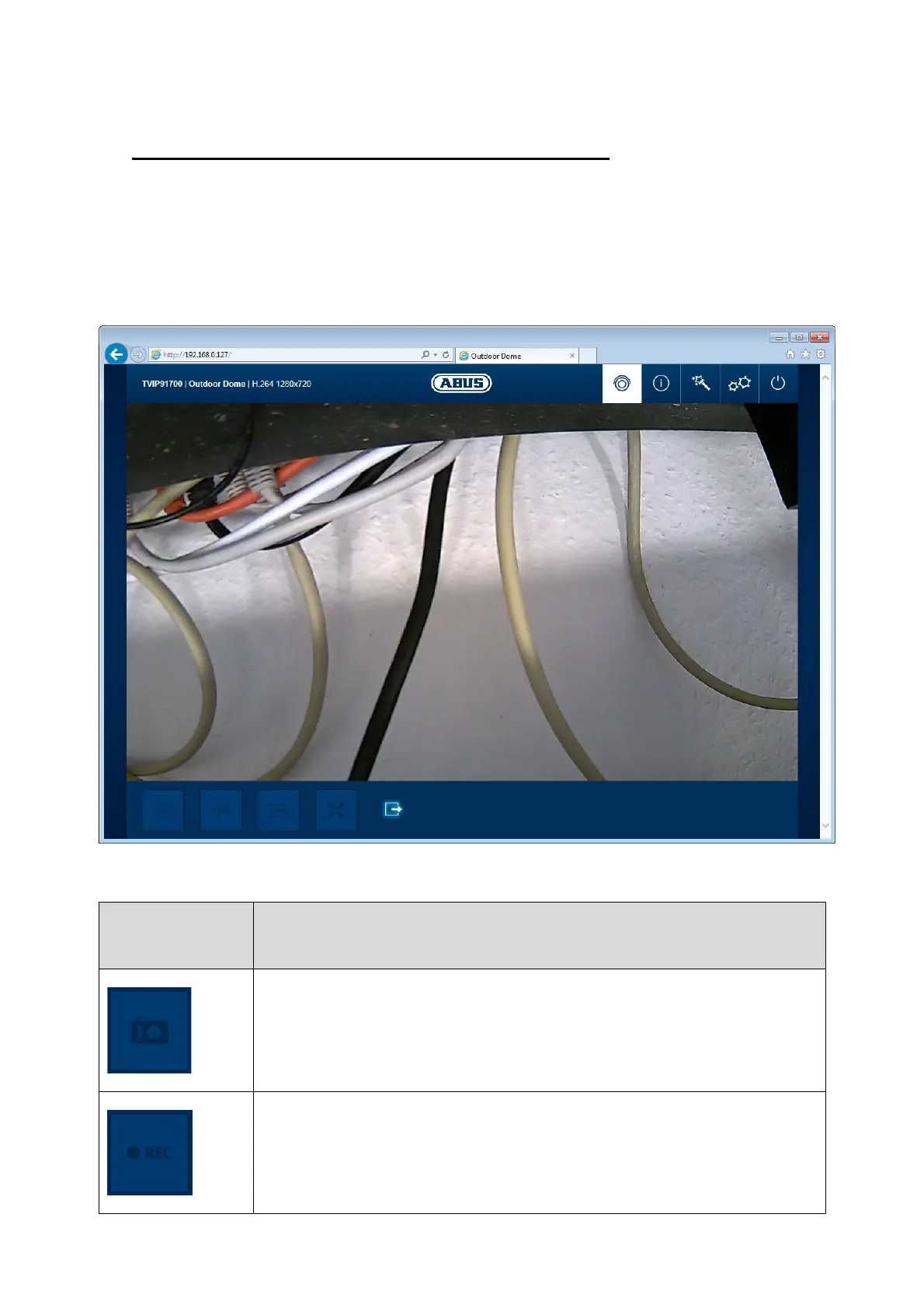
10.1 Live view
The live view display for the installer user is similar to that of the master user. However, the
installer user has extended options for settings such as the set up wizard or extended
configuration.
(example image of TVIP91700)
Button/display
on screen
Function
Instant image function
This function saves an instant image from the current video stream in
JPEG format. The picture is stored in the following folder:
C:/Users/<username>/Own images
Video function
This function saves a video from the current video stream in AVI format.
The video is stored in the following folder:
C:/Users/<username>/Own images



 To Next Page