73
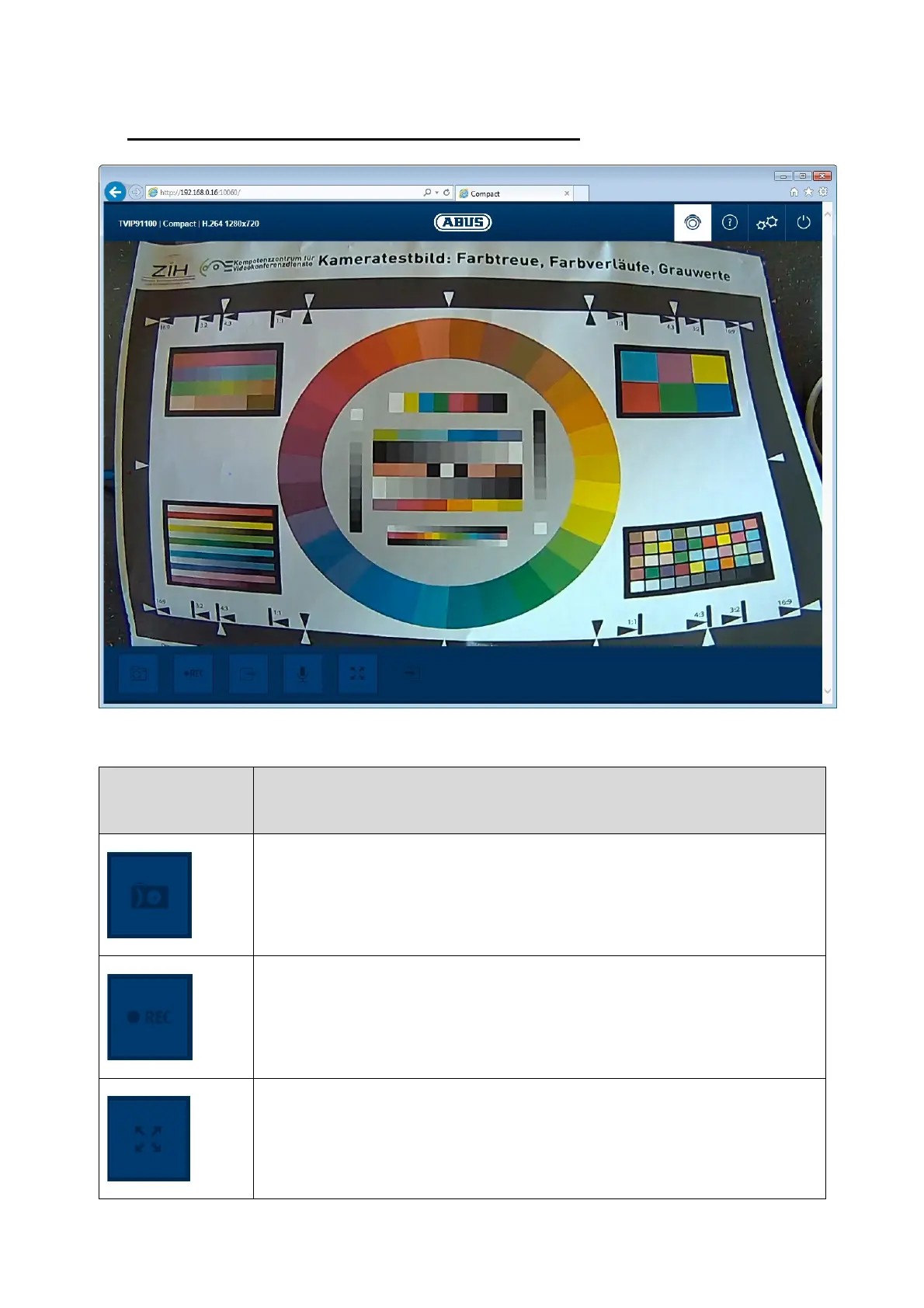
9. View and configuration menu user "master"
(Example image)
Button/display
on screen
Function
Instant image function
This function saves an instant image from the current video stream in
JPEG format. The picture is stored in the following folder:
C:/Users/<username>/User images
Video function
This function saves a video from the current video stream in AVI format.
The video is stored in the following folder:
C:/ Users /<username>/User videos
Full screen mode
Switching the video picture on the monitor to full screen mode (you can
also do this by double clicking within the video frame). You can exit full
screen mode by double clicking within the video frame again or pressing
the ESC button.



 To Next Page