83
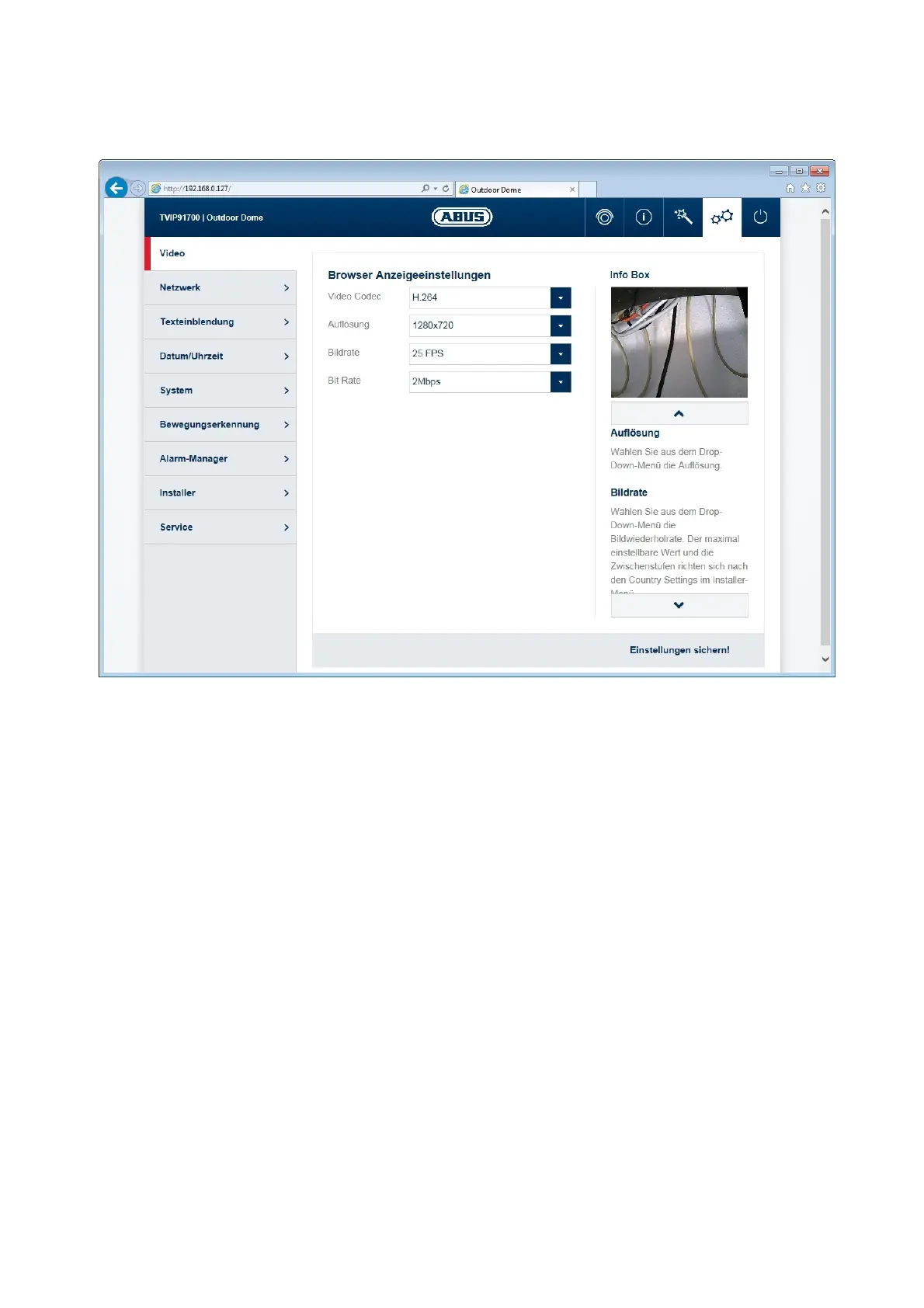
10.4.1.6 Video stream settings
In the video stream setting there are settings for the video stream 1 or 2.
Stream 1 (record/browser stream)
Stream 2 (app-/multi screen view stream)
TV output: Enable or disable of the analog video output on the camera
Video codec: Select the type of video coding from the drop-down menu.
You can choose from H.264 and MJPEG. Note: For the
Video display a Browser Plugin is always required (only
compatible with Internet Explorer).
Resolution: Select the resolution from the drop-down menu.
Frame rate: Select the frame rate from the drop-down menu.
Bit rate type: CBR (Constant Bit Rate) = The codec tries to reach the set
bit rate on average. MBR (Multiple Bit Rate) = The codec
used lower bit rates, if not elaborate scene changes take
place.
Profile: Selection of Codec Profile type: Baseline, Main



 To Next Page