36
Appendix
A. Troubleshooting
Status LEDs
Condition / LED Color Green Blue Red
Network failed Off On Off
After successful network
connection
1/s On On
Audio mute 2/s On On
During firmware upgrade 0.1/s 1/s On
Restore settings On 0.1/s On
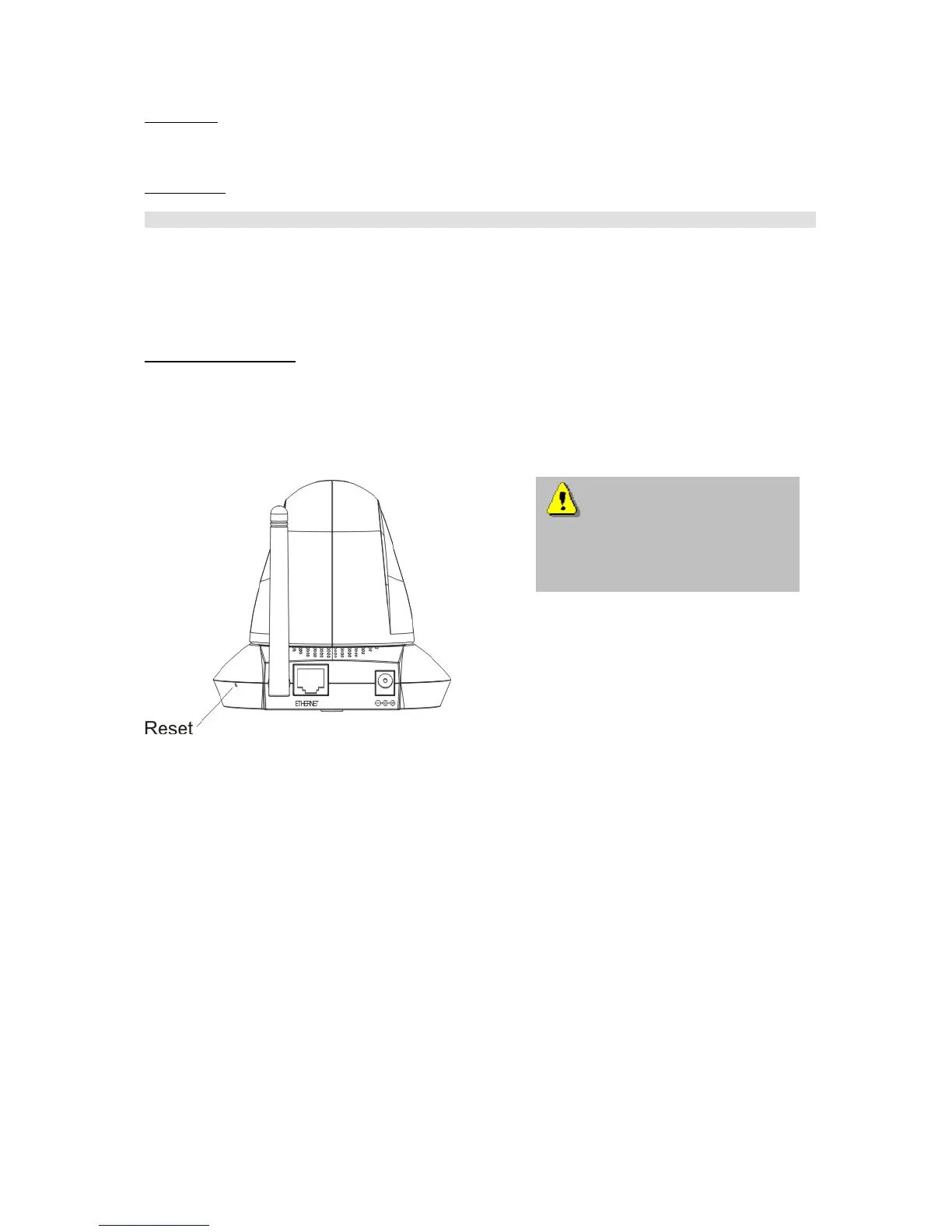
Resetting and restoring
At the back side of the netzwork camera is a button. Press this button to reset the system or restore
the factory parameter settings. Sometimes the normal system status can be restored by a reset. If you
have further problems following a reset, restore the factory parameter settings and reinstall and
reconfigure the system.
RESET:
Press the reset button with a pointed object.
RESTORE:
1. Press the button continuously.
2. Wait for all LEDs blink fast.
3. Release the reset button.
If the factory parameter
settings are restored, all the previous
settings are deleted. The system can
be reset or restored.



 To Next Page