27
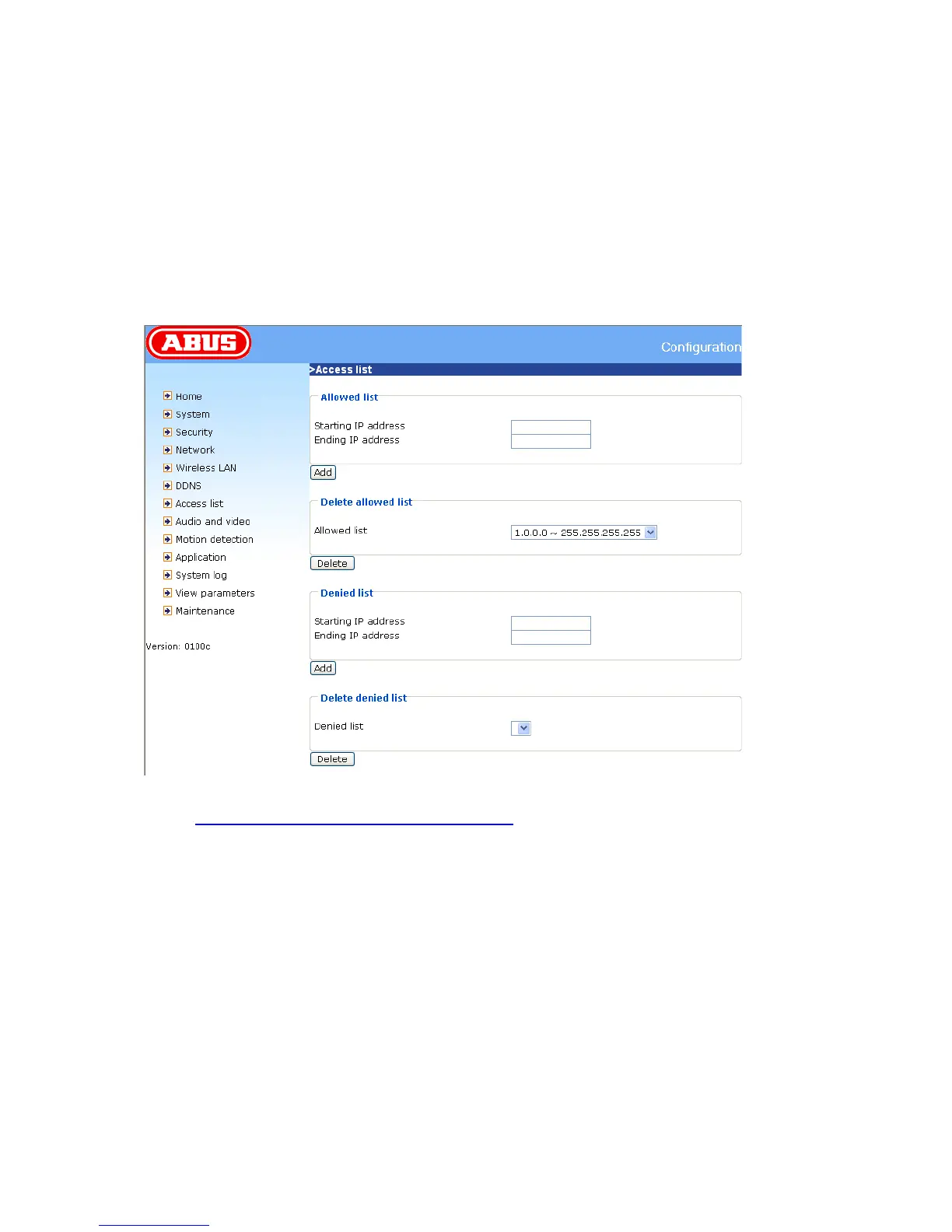
Access list
“Allow list” The IP list of accepted IPs is entered here and added to the access list. As a factory
default, all IPs are accepted. If necessary, delete the entire list.
“Starting IP address” Enter the first address of the desired range.
“Ending IP address” Enter the last address of the desired range.
“Delete allowed list” Delete desired ranges from the access list.
“Denied list” Define the IP lists to be blocked.
“Delete denied list” Delete blocked IP lists.
<URL> http://<network camera IP >/setup/accesslist.html
<Network Camera> is the domain name or original IP address of the PAN/TILT network camera.



 To Next Page