39
C. URL commands of the network camera
CGI parameters are written in lower-case and as one word without any underscores or other separators. When
the CGI request includes internal camera parameters, the internal parameters must be written exactly as they are
named in the camera or video server. The CGIs are organized in function related directories under the cgi-bin
directory. The file extension of the CGI is required. Syntax:
http://<servername>/cgi-bin/<subdir>[/<subdir>...]/<cgi>.<ext>
[?<parameter>=<value>[&<parameter>=<value>...]]
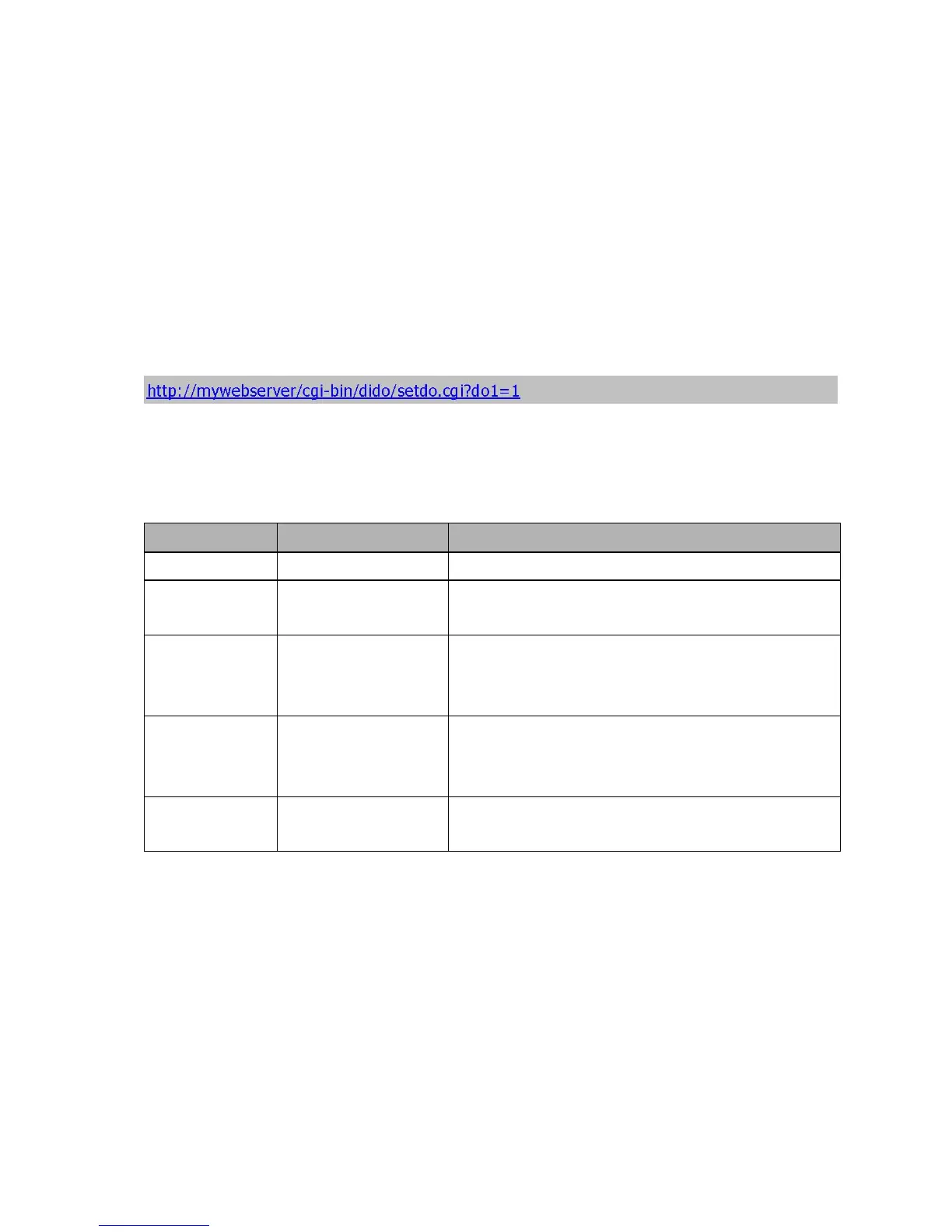
Example: Setting digital output #1 to active
Security level
SECURITY LEVEL SUB-DIRECTORY DESCRIPTION
0 anonymous Unprotected.
1 [view]
anonymous, viewer, dido,
camctrl
1. Can view, listen, talk to camera 2. Can control dido, ptz of
camera
4 [operator] anonymous, viewer, dido,
camctrl, operator
Operator’s access right can modify most of camera’s
parameters except some privilege and network options
6 [admin] anonymous, viewer, dido,
camctrl, operator, admin
Administrator’s access right can fully control the camera’s
operation.
7 N/A
Internal parameters. Unable to be changed by any external
interface.
Get server parameter values
Note: The access right depends on the URL directory. Method: GET/POST
Syntax:
http://<servername>/cgi-bin/anonymous/getparam.cgi?[<parameter>]
[&<parameter>…]
http://<servername>/cgi-bin/viewer/getparam.cgi?[<parameter>] [&<parameter>…]



 To Next Page