12
Digital Zoom and Snapshot
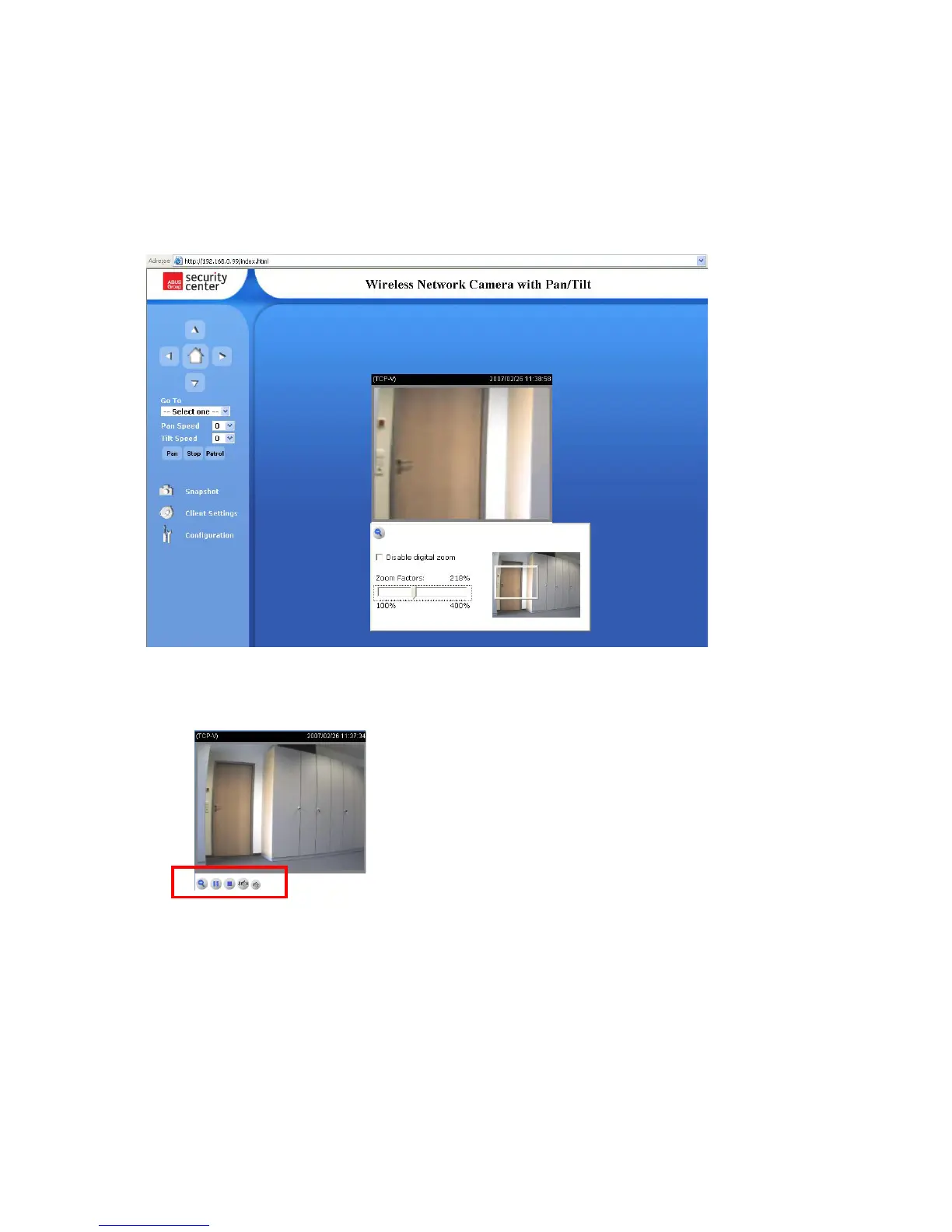
Click the magnifying glass under camera view. The control field for digital zooming appears. Disable
the Disable Digital Zoom box and change the zoom factor with the slider.
Click “Snapshot”. The web browser displays a new window containing the snapshot. To save the
snapshot, either left-click it and then click the diskette icon or right-click it and select Save from the
context menu.
Playback options
“Play” The option will connect to the network camera. The button is the same one as “Pause”
“Pause” The option will pause the video, but the connection remains.
“Stop” The option will disconnect the network camera connection.
“Play volume” Click on this button then a slider appears to adjust the audio volume.
“Mute” To disable audio at the client side.



 To Next Page