13
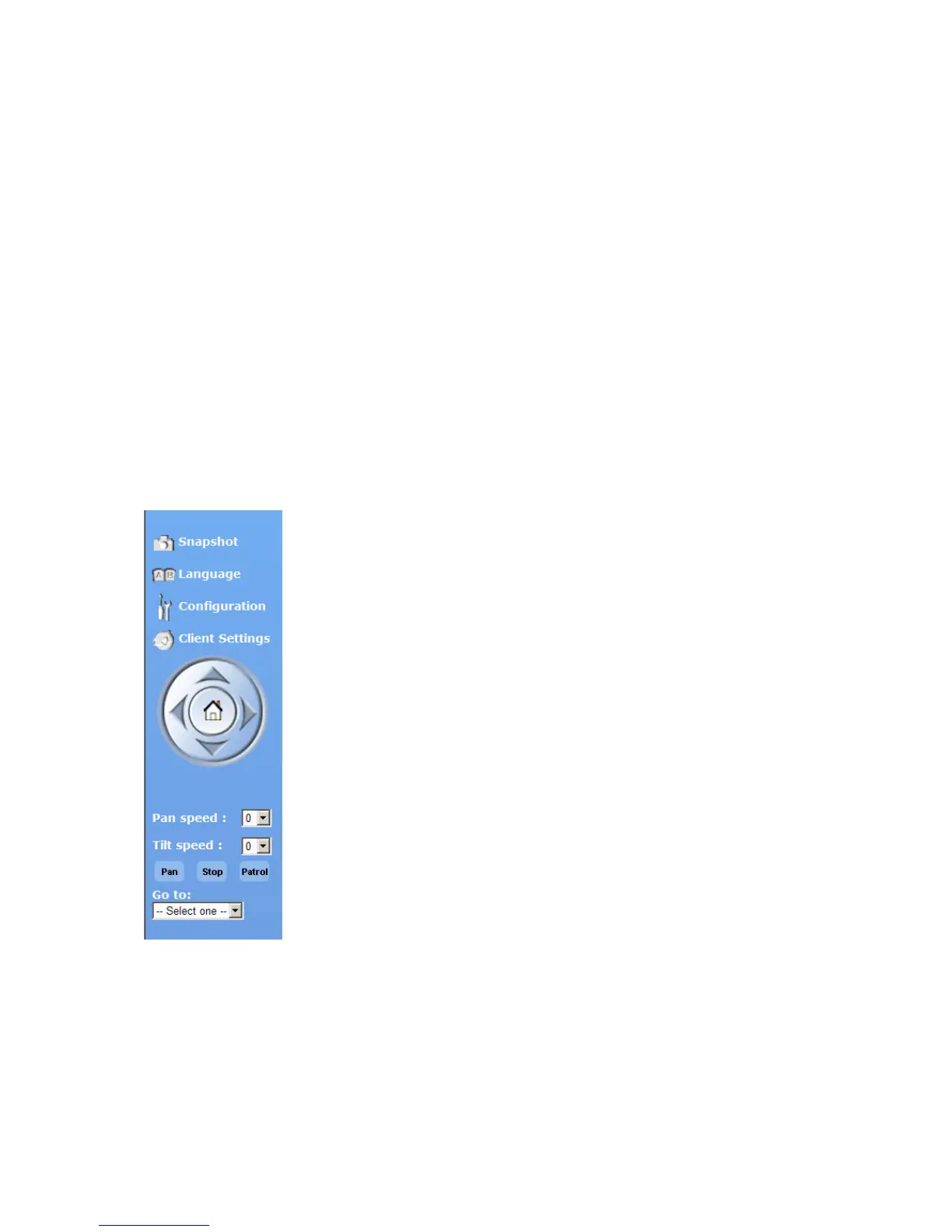
The pan/tilt control buttons
The direction buttons are for Left, Right, Up, Down and Home functions. The Home function moves the
camera head to a defined “Home” position.
Another way to change the viewing angle of the camera is by using the mouse pointer and click
directly on a position on the video picture.
“Go to” Once the Administrator has determined the preset positions, the user can aim the camera
using this control.
“Pan Speed” The selection sets the moving speed of the “Left” and “Right” commands.
“Tilt speed” The selection sets the moving speed of the “Up” and “Down” commands.
“Pan” This button commands the camera to pan from the current position to the left-most and then to
the right-most position. After panning the camera returns to the original position.
“Patrol” This button commands the camera to patrol between the preset positions on the Patrol list,
which can be modified on the “Camera control page”. After one patrol cycle the camera returns to the
original position.
“Stop” This will stop the “Auto Pan” command or “Auto Patrol” command.



 To Next Page