15
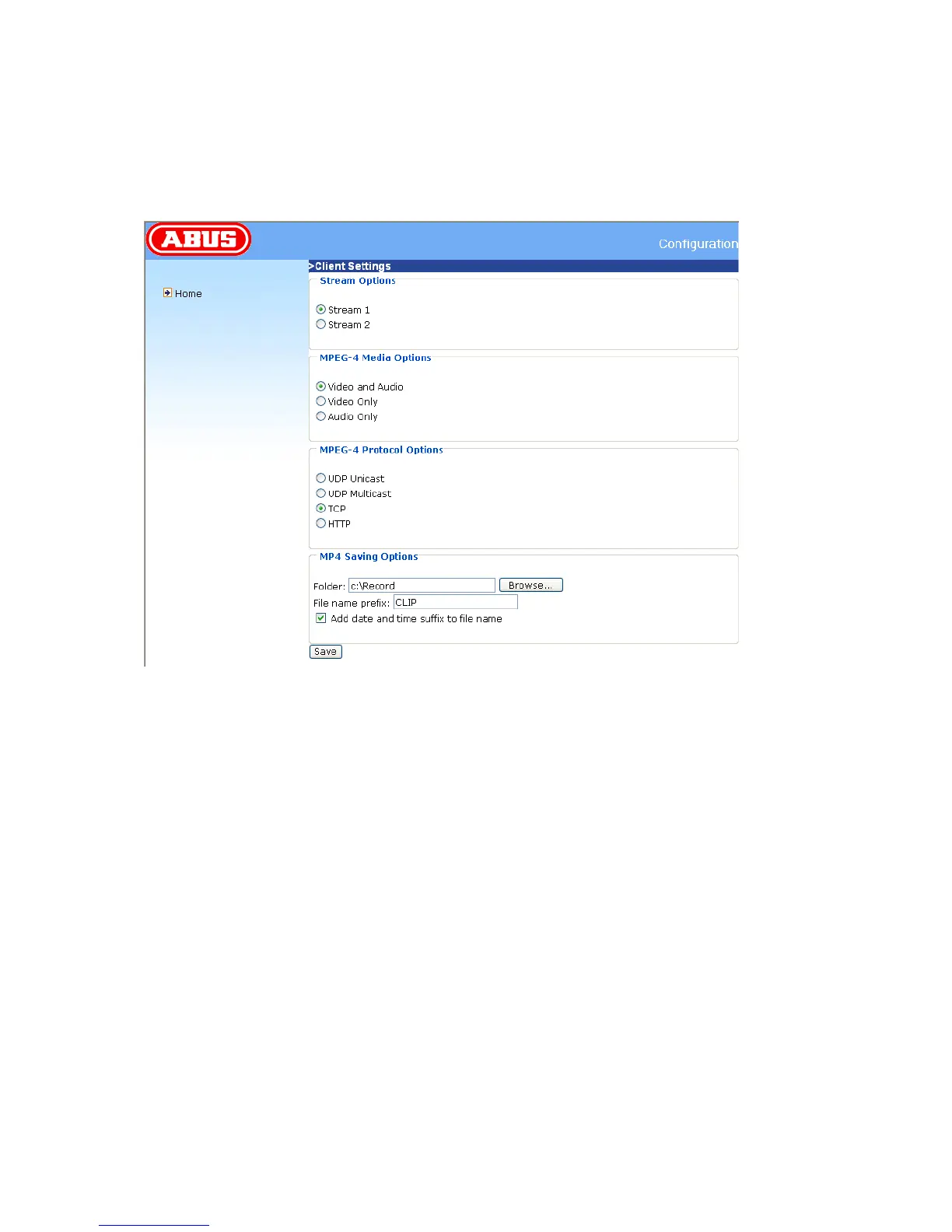
The selection of the client is normally recommended in the following order: UDP – TCP. When the
PAN/TILT network camera has been successfully connected, the “Protocol Options” box shows the
selected protocol. The selected protocol is registered in your PC and used for the next connection.
After changing the network environment or if you want to search again for the PAN/TILT network
camera using the web browser, select the UDP protocol manually, save it and then return to “HOME”
to set up the connection again.
<url> http://<network camera IP>/clientset.html
Network Camera is the original IP address or the hostname of the PAN/TILT network camera.



 To Next Page