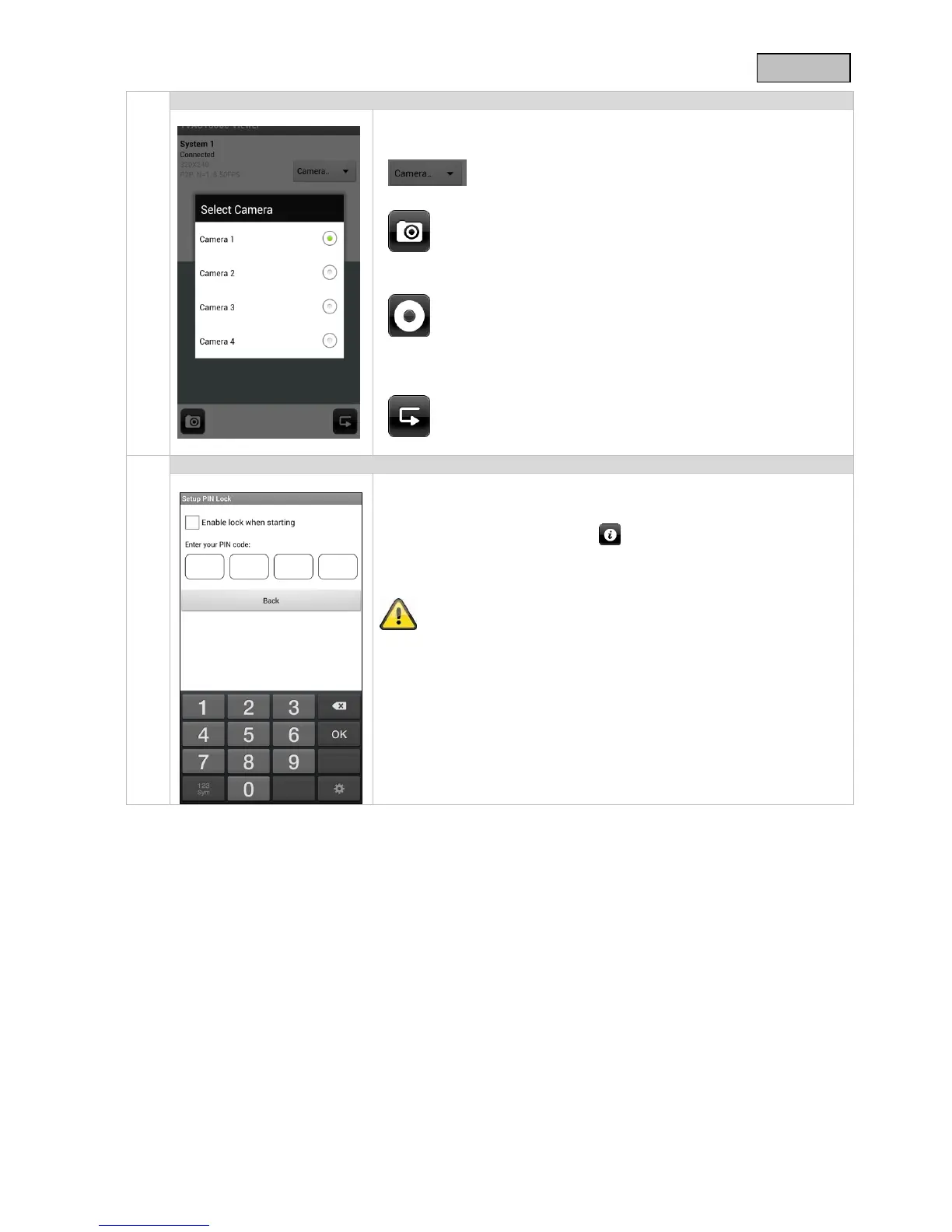
Here you can see a live view of the camera you have selected.
Camera selection
Select the required camera.
Screenshot
Here you have the option of making a screenshot
of your live image. The image is then saved in your
photos on your mobile device.
Starting the recording
Here you can start a manual recording; the
recording time is two minutes. The video is then
saved on the monitor.
Back
Here you go to the connection status. The last
screenshot is always shown.
If you want to save a PIN code for this APP, proceed as follows:
1. Open the “Setup PIN Lock” at
2. Enter a 4-digit PIN code and repeat it.
3. Put a tick at “Enable lock when starting”.
When you have saved a PIN code, it will be requested when you
want to open the app.



 To Next Page