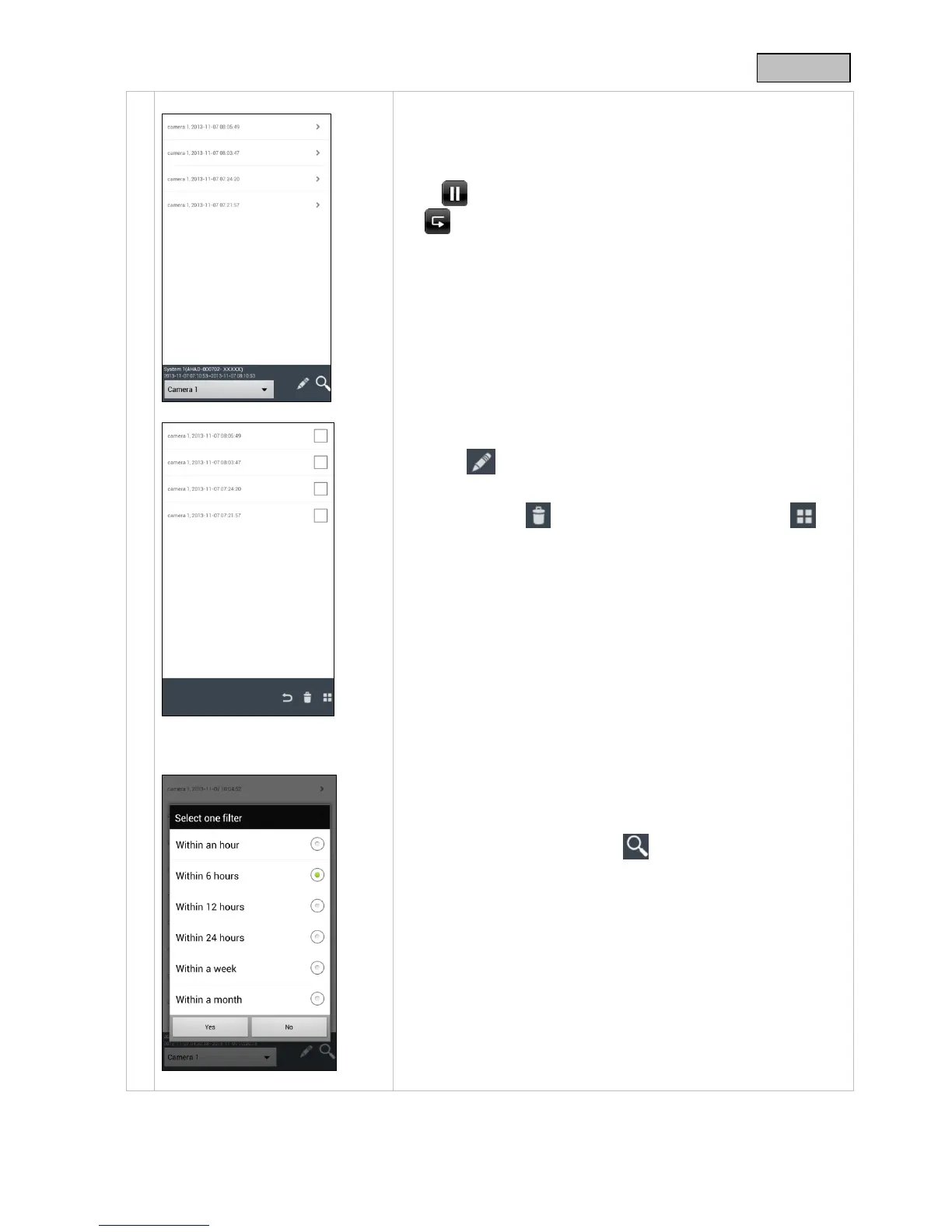
Access to the recordings
Here you can view the recordings from each individual camera on
your smartphone. Select the recording you want and it starts
immediately.
Press to pause the recording, to go back to the event list, press
the button.
Deleting recordings
Press the symbol in the event list. You can now delete
recordings for the selected camera by selecting one or more files
and clicking on the symbol. To delete all the files, press , to
keep the selection, press the symbol again.
Filtering the event list
You have the option of filtering the recordings according to certain
preferences. To do this, press the symbol.



 To Next Page